

OpusClip Review 2026: I Turned One Long Video Into 10 Shorts
Turning one long video into ten polished short-form clips sounds like exactly the kind of job AI should be good at.
Instead of watching a 20-minute video several times, writing down timestamps, cropping every shot vertically, and adding captions manually, OpusClip promises to identify the best moments and turn them into ready-to-publish Shorts, Reels, and TikToks.
But does it actually find the parts people would want to watch?
For this OpusClip review, I uploaded one real English-language video, generated ten short clips, checked every subtitle, and recorded how much manual editing was still required.
OpusClip can save a meaningful amount of time, but it does not turn every long video into ten good Shorts. Its usefulness depends heavily on the structure of the original video—and you still need to review everything before publishing.
OpusClip Review: The Quick Verdict
OpusClip is most useful for creators who already publish structured, speech-led long-form content such as interviews, podcasts, educational videos, webinars, and talking-head videos.
Its strongest feature is not automatic captioning. Plenty of tools can add captions. The real value is that OpusClip searches through the full video, identifies potentially self-contained moments, reframes them vertically, and gives you several starting points without requiring you to scrub through the timeline yourself.
However, “10 generated clips” does not mean “10 publishable clips.”
In my test:
| Test Result | Outcome |
|---|---|
| Original video length | 45 minutes |
| Clips generated | 10 |
| Immediately usable clips | 5 |
| Usable after editing | 4 |
| Clips I would not publish | 1 |
| Subtitle errors found | Minor |
| Total manual editing time | 60 minutes |
| Best use case | Structured, dialogue-heavy videos |
What Is OpusClip?
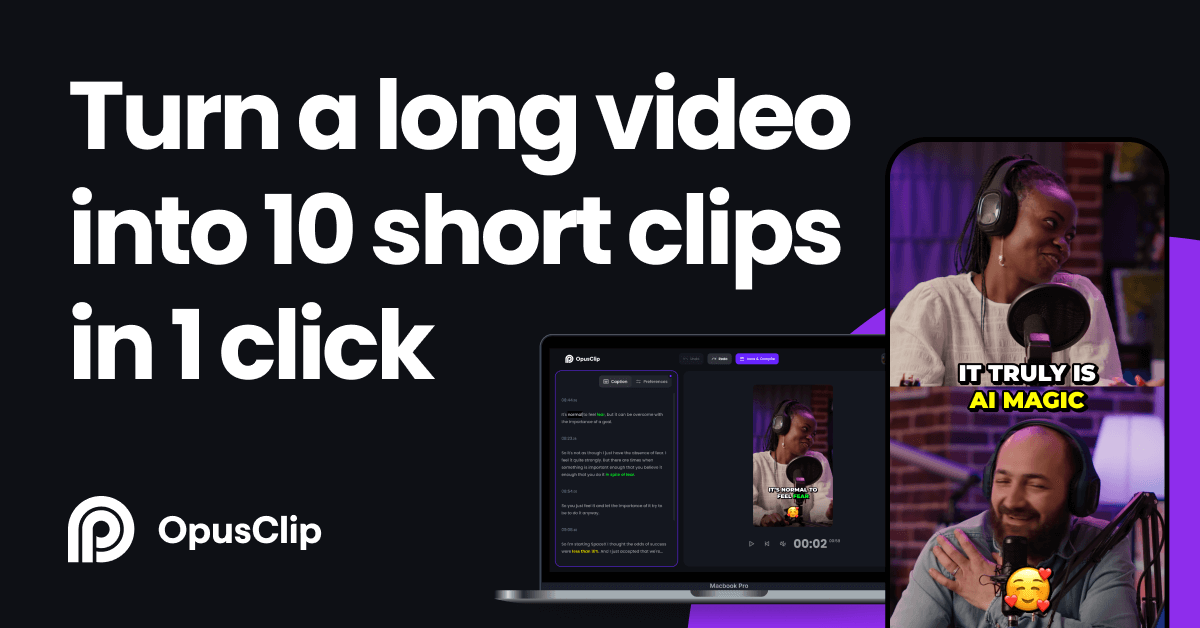
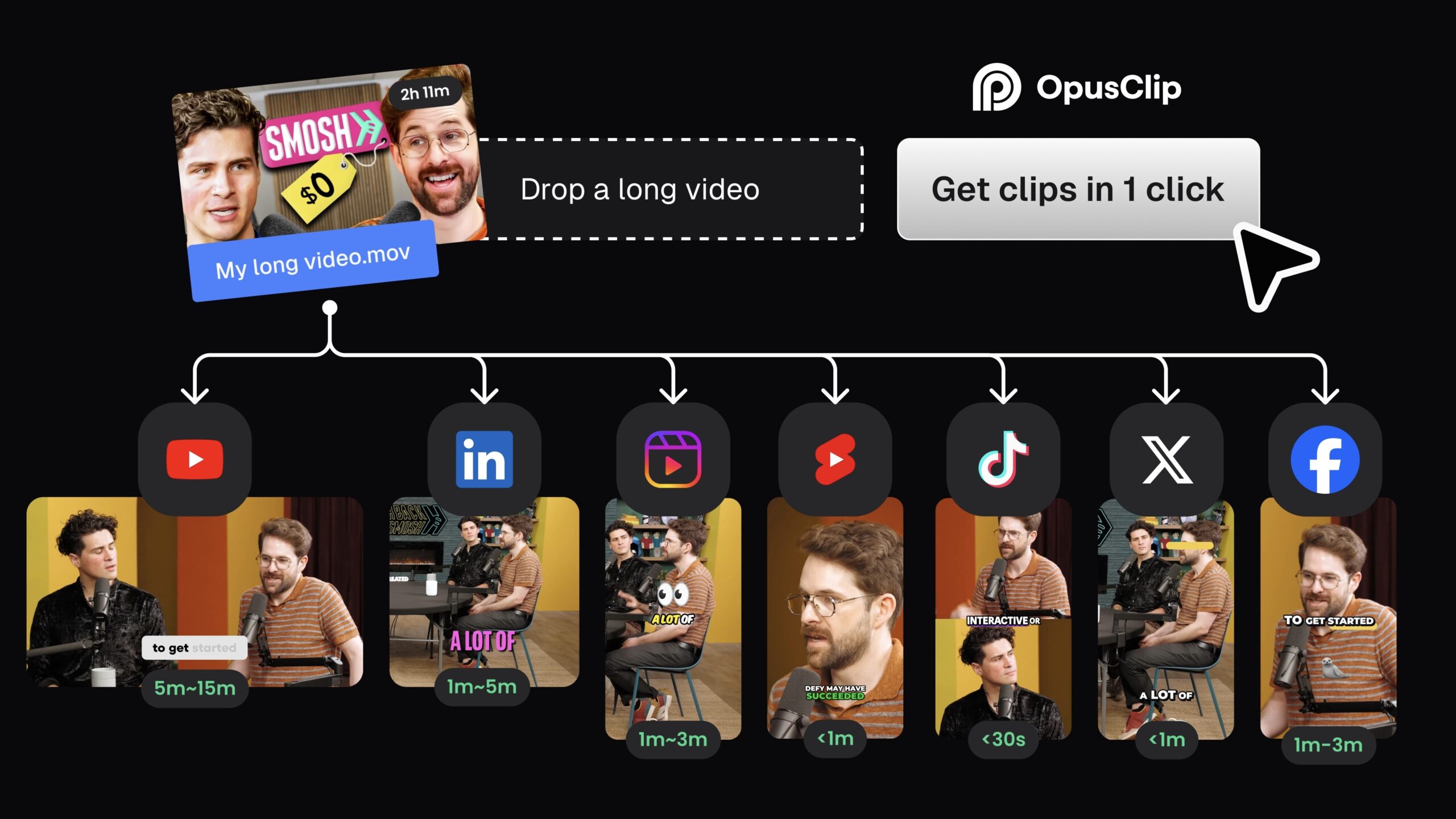
OpusClip is an AI video repurposing tool designed to turn long videos into shorter clips for platforms such as YouTube Shorts, TikTok, and Instagram Reels.
You can upload a local video or import content from supported online sources. The system then analyzes the source video, selects moments it considers suitable for short-form content, changes the framing, and adds animated captions.
Paid users can also access OpusClip’s Virality Score. This is a score from 0 to 99 based on factors including the hook, flow, value, and relevance of each clip. It is meant to help users compare the clips generated from the same source video, but it should not be treated as a reliable prediction of actual views. OpusClip explains how its Virality Score works here.
The platform also includes a browser-based editor, although the editing options available depend on your plan.
How I Tested OpusClip
I wanted this test to reflect a normal creator workflow rather than using a perfectly scripted promotional video.
I used:
- A real English-language two-person interview
- A total runtime of 45 minutes
- Two visible speakers
- Normal conversational speech, including interruptions, filler words, and creator-marketing terminology
- No manually uploaded subtitle file
- A vertical 9:16 output format
- A target clip length of 30–60 seconds
The source video was an interview about how creators can turn one long-form recording into a repeatable multi-platform content system. I chose it because it contained several potentially useful ideas, but those ideas were spread throughout a longer conversation.
This matters because AI clipping tools perform best when the original speaker delivers clear, self-contained points. A video full of short answers, unfinished thoughts, visual demonstrations, or references to earlier sections creates a more difficult test.
I uploaded the video, allowed OpusClip to select the moments automatically, and then reviewed all ten results individually.
For each clip, I checked five things:
- Did the opening make sense without the original video?
- Did the clip contain a complete idea?
- Did the AI cut the speaker off too early or start too late?
- Were the captions accurate?
- Would I publish the clip after making only minor edits?
How Many Clips Did OpusClip Generate?
OpusClip generated ten clips from my 45-minute video.
The quantity initially looked impressive. It gave me several different moments to choose from without requiring me to manually search through the entire recording.
The quality, however, varied considerably.
My clip-by-clip results
| Clip | AI-selected topic | Verdict | Main problem |
|---|---|---|---|
| 1 | Turning one webinar into a week of content | Publishable | None beyond a title check |
| 2 | Why the first two seconds matter | Needs editing | The opening included four seconds of setup |
| 3 | Three signs a short clip lacks context | Publishable | None |
| 4 | A simple long-form editing workflow | Needs editing | The clip ended before the final takeaway |
| 5 | Why automatic captions still need review | Needs editing | Two brand names were transcribed incorrectly |
| 6 | The myth of posting every day | Publishable | None |
| 7 | Using retention data to choose topics | Publishable | None beyond a caption check |
| 8 | Batching short-form production | Needs editing | Speaker tracking briefly followed the wrong person |
| 9 | What a virality score cannot predict | Publishable | None |
| 10 | A brief comment about repurposing costs | Reject | Started mid-thought and never established context |
Out of the ten generated clips, I considered 5 immediately usable, 4 usable after editing, and 1 unsuitable for publishing.
That is the most important number in this review.
If OpusClip creates ten clips but only four contain complete, useful ideas, its real output is closer to four content drafts—not ten finished Shorts.
Did the AI Actually Choose Valuable Moments?
This was the part of the test I cared about most.
Automatic captions and vertical cropping are convenient, but neither feature matters if the AI selects weak or confusing sections of the original video.
OpusClip performed best when the speaker:
- Introduced a clear problem
- Gave a direct opinion
- Explained a numbered point
- Told a short story with a conclusion
- Used a strong sentence that could work as a hook
The strongest generated clip began with: “Most creators don’t have a content problem; they have a distribution problem.” It worked because the opening immediately established the subject and the rest of the clip delivered a complete takeaway.
Other clips were less successful.
One selection started in the middle of an explanation, so the opening sentence used words such as “this” and “that” without telling the viewer what they referred to. Another clip contained an interesting statement but ended before the speaker explained why it mattered.
This reveals an important limitation: OpusClip can often identify an interesting sentence, but it does not always understand how much surrounding context is necessary to make that sentence useful.
The AI’s selections therefore fell into three categories:
1. Genuinely useful clips
These had a clear opening, one central idea, and a satisfying conclusion. They required little more than checking the captions and adjusting the title.
2. Good moments with weak boundaries
These contained useful information, but the AI started too early, started too late, or ended before the full point was delivered. They could still be saved by extending or trimming the clip.
3. Clips that looked acceptable but lacked context
These were the most dangerous results. The captions and formatting made them look finished, but the actual message was unclear when viewed separately from the original video.
OpusClip reduced the time required to find possible moments, but I still had to decide whether each moment deserved to become a standalone piece of content.
How Accurate Were the AI Captions?
Across the ten clips, I found seven minor caption errors.
The errors included:
- Four incorrectly transcribed words
- Two punctuation or sentence-break problems
- Two incorrectly transcribed brand names, included within the four incorrect words above
- One unhelpful highlighted keyword
The captions were most accurate when the speaker talked clearly at a steady pace. Accuracy dropped during faster exchanges, overlapping speech, and sentences containing brand names.
The most noticeable errors were “Descript” rendered as “the script” and “YouTube Studio” rendered as “YouTube studios.”
That type of mistake matters more than a missing comma. A misspelled brand, person’s name, product, or technical term can make a clip look careless and may change the meaning of the sentence.
OpusClip supports captions in more than 25 languages, although several languages are still identified as beta in its documentation. For this test, I only evaluated English transcription. See OpusClip’s current supported-language list.
My recommendation is simple: never publish an automatically generated clip without watching it once with the sound on and once with the sound off.
Watching without sound makes subtitle mistakes, awkward line breaks, and poor caption timing much easier to notice.
How Much Manual Editing Was Required?
It took me 60 minutes to review and edit the ten clips.
Here is where that time went:
| Editing task | Time spent |
|---|---|
| Watching all generated clips | 18 minutes |
| Correcting captions | 10 minutes |
| Adjusting clip start and end points | 14 minutes |
| Fixing framing or speaker tracking | 6 minutes |
| Changing titles and visual styling | 8 minutes |
| Final quality check | 4 minutes |
| Total | 60 minutes |
The most common edit was moving the start or end point by three to eight seconds so the idea felt complete.
This was still faster than creating ten Shorts entirely by hand. OpusClip had already identified possible moments, created the vertical layout, and produced timed captions.
However, the time saving was not evenly distributed.
The best clips took only two to three minutes each to finish. Weaker selections took long enough to repair that it would have been easier to discard them and concentrate on the strongest results.
This changed how I viewed the tool. The goal should not be to force every AI-generated clip into a publishable state. The more efficient workflow is to keep the strongest selections, make quick corrections, and reject the rest.
Is the Auto-Reframing Good Enough?
For a simple talking-head video, the automatic vertical framing was reliable overall.
OpusClip correctly kept the main speaker visible in eight out of ten clips. It struggled once when the second speaker interrupted and once when both speakers appeared in a wide two-person shot.
Auto-reframing is much more valuable when the source video is a conventional interview or podcast. It becomes less reliable when the video depends on:
- Screen recordings
- Slides or spreadsheets
- Product demonstrations
- Multiple moving subjects
- Important information positioned near the edge of the frame
- Visual context outside the speaker’s face
A technically correct crop can still be editorially wrong. If the speaker is explaining something on screen, focusing only on their face removes the information the viewer actually needs.
OpusClip Free Plan Limitations in 2026
OpusClip currently offers a free plan with 60 processing credits per month. According to its current pricing page, free exports can be rendered at up to 1080p and include automatic reframing, AI captions, emoji, and keyword highlighting.
The restrictions are significant:
- Exported clips include an OpusClip watermark
- The free plan does not include editing
- Clips become unavailable for export after three days
- Virality Score is limited to Starter and Pro users
- The monthly processing allowance is limited
These terms can change, so check the official OpusClip pricing page before choosing a plan.
The lack of editing is the biggest practical limitation.
In my test, four of the ten clips needed at least one meaningful manual correction. If you cannot correct a subtitle, adjust a bad cut, or change the framing inside OpusClip, the free version is better treated as a trial or clip-discovery tool than a complete production workflow.
The watermark also makes the free plan difficult to use for professional client work or polished branded accounts.
You could export the result and rebuild it in another editor, but once you are fixing captions, covering a watermark, and reconstructing the layout elsewhere, much of the convenience disappears.
OpusClip Pricing: Is the Paid Version Worth It?
At the time of this review, OpusClip lists:
- Free: $0 with 60 monthly credits
- Starter: $15 per month with 150 monthly credits
- Pro: $29 per month, or $174 billed annually for 3,600 annual credits
Starter adds features such as editing, watermark removal, a brand template, filler and silence removal, and direct posting.
Pro is aimed more at professional creators and teams. It adds features including multiple aspect ratios, additional source integrations, social scheduling, custom fonts, AI B-roll, speech enhancement, and exports for Adobe Premiere Pro and DaVinci Resolve.
Current details are available on the official pricing page.
Whether it is worth paying depends less on the number of clips generated and more on how frequently you have suitable long-form content.
If you publish one podcast, interview, or educational video every week, the tool could remove a repetitive part of your production process.
If you only upload one long video every few months, paying for an ongoing subscription is harder to justify.
What I Liked About OpusClip
It removes the blank-timeline problem
The hardest part of repurposing a long video is often deciding where to begin. OpusClip quickly provides multiple candidates, which is much easier than starting with an empty editing timeline.
It finds moments you may overlook
Some of the selected clips came from sections I might not have chosen manually. Not all were publishable, but the AI gave me alternative angles to consider.
Captions and vertical formatting are generated together
Even when a clip needs editing, having the initial crop, timing, and captions already prepared can save time.
It works well with structured speech
When the source video contains clear questions, concise answers, strong opinions, or step-by-step explanations, OpusClip has a better chance of identifying standalone content.
What I Did Not Like
Generated quantity can exaggerate usable output
Seeing ten finished-looking thumbnails creates the impression that you have ten pieces of content. In practice, several may be repetitive, incomplete, or too dependent on context.
AI-selected boundaries are inconsistent
A good moment can be weakened by starting one sentence too late or ending before the conclusion.
Captions still require proofreading
Even a low error rate does not eliminate the need for manual review. One incorrect product name can be more damaging than ten minor punctuation errors.
The free plan is restrictive
The watermark, lack of editing, and three-day export window make the free version unsuitable for many professional workflows.
Virality Score can create false confidence
A high score does not guarantee reach. The score evaluates characteristics of the clip, but it cannot fully predict audience fit, posting time, competition, platform distribution, or the strength of your account.
Use it to prioritize which clips to review first—not as proof that a video will perform well.
Who Should Buy OpusClip?
OpusClip makes the most sense for:
- Podcasters who regularly publish video episodes
- YouTubers repurposing tutorials or talking-head content
- Coaches and educators with webinars or recorded lessons
- Marketing teams managing several content channels
- Agencies processing repeatable, dialogue-heavy client content
- Creators who already know how to judge hooks and short-form pacing
These users have enough suitable source material to benefit from faster clip discovery.
The ideal buyer is not someone who wants AI to make creative decisions for them. It is someone who can quickly review ten suggestions, identify the strongest three or four, and finish them efficiently.
Who Should Not Buy OpusClip?
Creators who rarely make long-form videos
Without a steady supply of source content, another monthly subscription is unlikely to provide much value.
Users expecting ten finished videos from one click
OpusClip generates drafts. Some may be close to finished, but all should be reviewed and several may need editing or rejection.
Creators whose content depends heavily on visuals
If your videos rely on software demonstrations, gameplay, product close-ups, diagrams, or on-screen instructions, automatic face tracking may not preserve the most important part of the frame.
People who already know exactly which moments they want
If you already record timestamps during production or work from a tightly structured script, manual clipping in CapCut, Premiere Pro, or DaVinci Resolve may give you more control without another subscription.
Brands requiring perfect terminology
Medical, legal, financial, technical, and highly regulated content needs especially careful review. Automatic transcription should not be trusted as the final version.
Users looking for guaranteed viral results
No clipping tool can guarantee views. OpusClip can improve workflow speed, but distribution still depends on the idea, hook, audience, packaging, account history, and platform response.
OpusClip vs Editing Shorts Manually
| Task | OpusClip | Manual editing |
|---|---|---|
| Finding potential moments | Fast AI suggestions | Requires watching and marking timestamps |
| Caption generation | Automatic | Automatic or manual, depending on editor |
| Vertical reframing | Automatic first pass | More control but takes longer |
| Understanding context | Inconsistent | Stronger human judgment |
| Fine editing control | Adequate for quick edits | Better in a full editor |
| Output consistency | Depends on the source video | Depends on editor skill and available time |
| Best use | Producing clip drafts quickly | Creating highly controlled final edits |
I would not view OpusClip as a replacement for CapCut, Premiere Pro, or DaVinci Resolve.
It solves a different problem.
A traditional editor helps you build the clip you have already decided to make. OpusClip helps you decide which clips might be worth making in the first place.
My Final Verdict
After turning one 45-minute video into ten Shorts, I found OpusClip useful—but not fully automatic.
It generated 5 clips I would publish, 4 that could be saved with editing, and 1 that I would reject. I found seven minor subtitle errors and spent 60 minutes reviewing and correcting the results.
The biggest time saving came from clip discovery. Instead of repeatedly watching the entire source video and manually collecting timestamps, I could begin with ten suggested moments and focus my attention on the strongest options.
The biggest limitation was context. OpusClip could identify interesting statements, but it did not always know whether those statements formed complete, standalone stories.
My recommendation is:
- Try the free version if you want to test whether your content suits AI clipping.
- Consider Starter if you are an individual creator who needs editing and watermark-free exports.
- Consider Pro only if you will regularly use its extra formats, integrations, scheduling, team, or professional-export features.
- Skip the subscription if you do not publish long-form content consistently.
OpusClip is worth considering as a productivity tool. It is not worth buying as a substitute for content judgment.
The best way to use it is to let the AI find possible moments, then let a human decide which moments are actually worth publishing.
Frequently Asked Questions
Is OpusClip free?
Yes. OpusClip currently offers a free plan with 60 monthly processing credits. However, free exports include a watermark, editing is unavailable, and clips are only exportable for three days. Check the official pricing page because plan terms may change.
Does OpusClip automatically add captions?
Yes. It can generate animated captions with features such as emoji and keyword highlighting. You should still proofread every clip before publishing.
How many clips does OpusClip create from one video?
There is no fixed number. The result depends on the length, structure, and content of the source video. In this test, it generated ten clips from a 45-minute video.
Is the OpusClip Virality Score accurate?
It can help you compare clips, but it cannot reliably predict actual views. Treat it as a prioritization signal rather than a performance guarantee.
Can OpusClip replace a video editor?
Not completely. It can identify moments, add captions, and create an initial vertical edit. A full editor still offers better control for detailed timing, audio, visual storytelling, and brand-specific production.
Is OpusClip good for podcasts?
Podcasts and interviews are among its strongest use cases, particularly when speakers deliver clear, self-contained answers. Results are weaker when conversations contain frequent interruptions or rely heavily on earlier context.
Is OpusClip worth paying for?
It can be worth paying for if you consistently repurpose long-form videos and the time saved exceeds the subscription cost. Occasional creators should test the free plan before committing.