
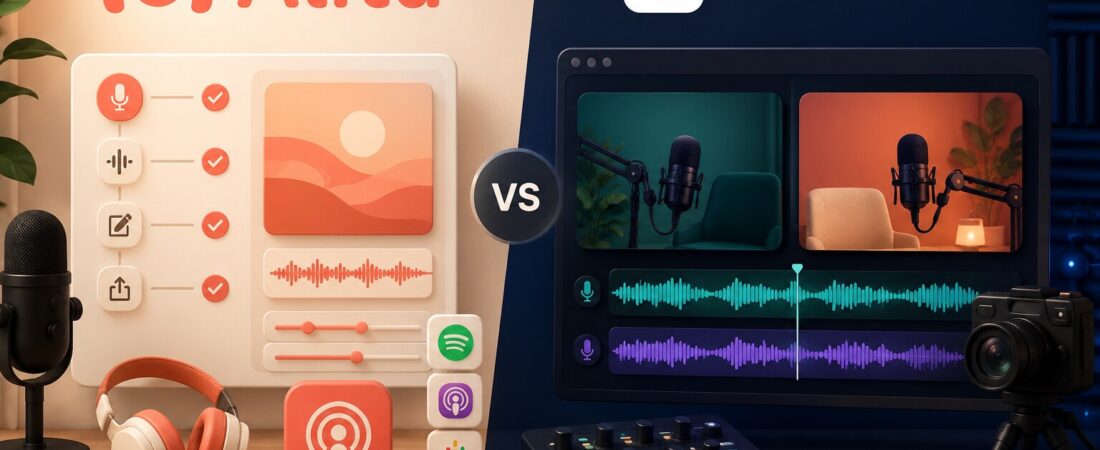
Alitu and Riverside can both record, edit and publish a podcast now, which makes a simple feature checklist surprisingly unhelpful. The better question is where you want the software to do the thinking. Alitu automates the repetitive work between recording and publishing. Riverside concentrates on capturing a remote conversation at higher video and audio quality, then gives you tools to turn that recording into more content.
I would choose Alitu for an audio-first solo show when the editing process is the reason episodes keep slipping. I would choose Riverside for interviews, video podcasts and creator content when isolated tracks, 4K video and guest recording quality matter. Neither is universally better, and their overlap should not hide that very different centre of gravity.
Choose Alitu when…
You want one app to clean, level, assemble, host and publish an audio podcast with as little technical work as possible.
Choose Riverside when…
You record remote guests, need separate high-quality tracks, publish video, livestream or plan to repurpose the conversation visually.
Alitu vs Riverside at a glance
| Decision | Alitu | Riverside |
|---|---|---|
| Core strength | Automated podcast production | Remote audio and video capture |
| Best creator | Solo or small audio-first podcaster | Interview, video and business creator |
| Recording | Lossless audio, 1080p video, private studio link | Up to 4K video and 48 kHz audio on Pro |
| Editing philosophy | Automate cleanup, mixing and assembly | Edit the transcript and visual timeline |
| Hosting | Included up to 1,000 downloads per month | Podcast hosting and analytics included on Pro |
| Entry price | 7-day trial, then $38 monthly | Free plan; Pro $29 monthly or $24/month annually |
| My winner | Audio workflow simplicity | Recording quality and video flexibility |
Prices are in USD and were checked against the official Alitu pricing page and Riverside pricing page on August 22, 2026. Temporary discounts can change the number you see at checkout.
The real difference is what happens after recording
Alitu treats a podcast episode as a repeatable production recipe. It converts files, levels voices, reduces background noise and hum, adds theme music, handles fades, joins segments, prepares the MP3, adds metadata and can publish the finished episode. You can still edit by transcript or waveform, but the product is at its best when you let it remove routine audio-engineering decisions.
Riverside begins from a different anxiety: “Will this remote recording survive a weak connection and still look professional?” It records locally, keeps participant tracks separate and uploads them progressively. That is why I rate it more highly for guest interviews and video podcasts. My full Riverside review goes deeper into the recording experience and the limits of its increasingly broad editor.

Riverside now includes text-based editing, audio enhancement, Magic Clips, show notes and podcast hosting. That makes it more complete than it was, but I still would not describe it as an automated audio-production assistant in the same way as Alitu. Riverside exposes more of the production surface. Alitu deliberately hides more of it.
Recording quality: Riverside wins, but not everyone needs the win
On Riverside Pro, video can reach 4K and audio 48 kHz, with 15 hours per month of separate-track downloads. The Free plan is useful for testing, but its two hours of separate tracks are a one-time allowance, video is limited to 720p and exports carry Riverside branding. Read what Riverside’s free plan actually lets you keep before using it for a client session.
Alitu advertises lossless audio and 1080p video downloads. That is enough for an audio podcast and a straightforward YouTube version, but it is not the reason I would buy Alitu. I would buy it because a competent finished episode can require less manual attention. If you need multiple camera crops, detailed visual finishing or maximum post-production latitude, Riverside’s source files give you more room.
Editing: automation versus editorial control
Alitu is better at doing routine audio work for you. Its Magic Filters can remove filler words and silence, and its episode builder is much less intimidating than a traditional DAW. This is a strong fit for a weekly host who wants consistency rather than a new craft to master.
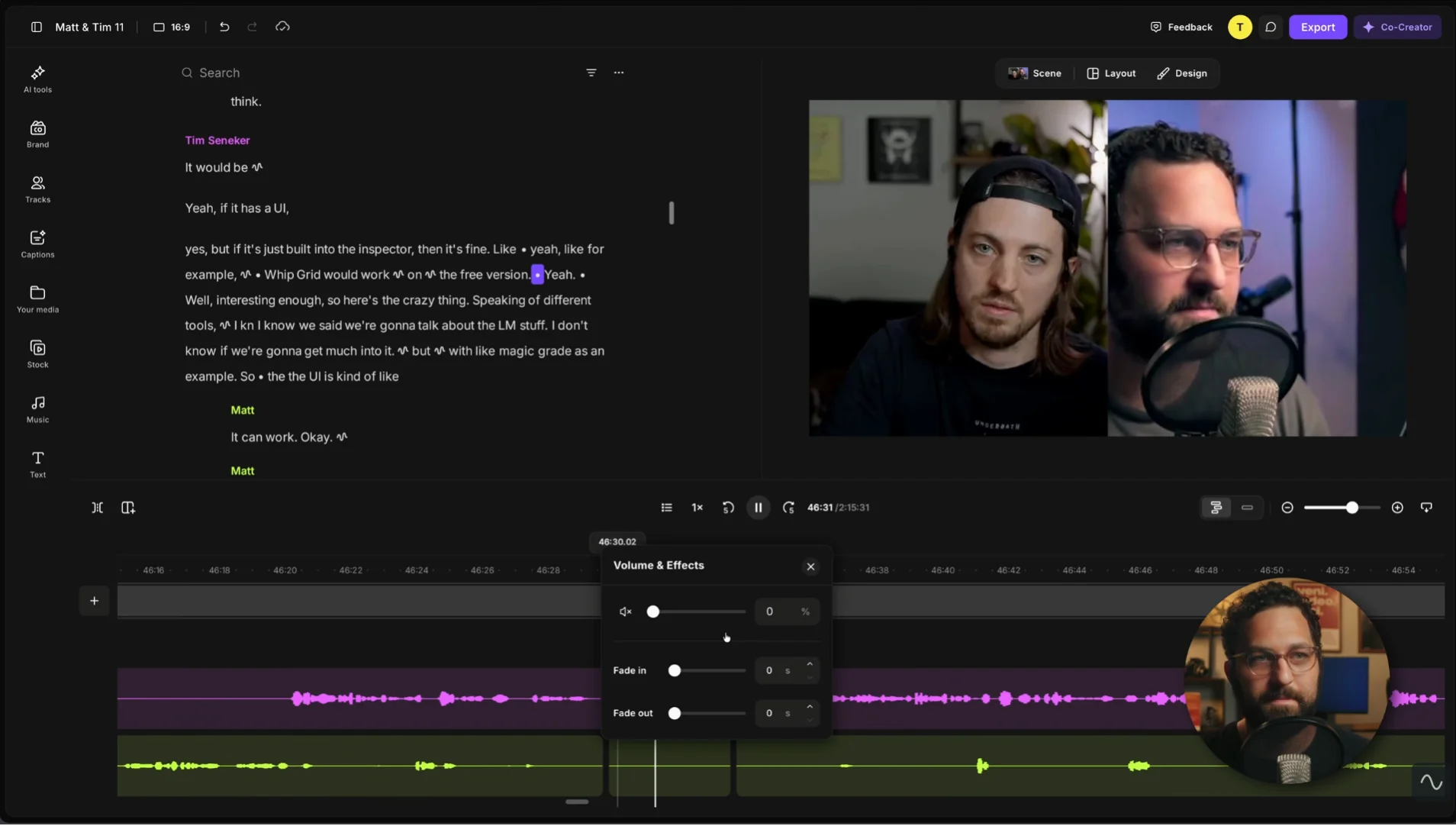
Riverside is better when the edit remains visual and conversational. Transcript editing, AI B-roll, eye-contact correction, filler-word removal and a timeline give you more ways to shape the result. The trade-off is that more possibilities create more decisions. If the conversation needs serious restructuring, I would still consider a dedicated transcript editor; our Descript vs Riverside comparison explains that handoff, and the Descript podcast workflow shows the editing order I use.
Hosting and publishing: Alitu feels more deliberate
Both products can host a podcast, but hosting feels foundational in Alitu. Its base subscription includes hosting for up to 1,000 downloads per month, a podcast website, analytics, episode scheduling and distribution. When a show grows beyond that allowance, Alitu lists a $10 hosting upgrade for up to 10,000 monthly downloads.
Riverside Pro includes hosting, analytics and publishing to major destinations. Grow adds a creator website, newsletter, social scheduling and hosting for two shows. That is a surprisingly capable package, especially if video and audience distribution matter. I would still judge it by the recording workflow first. Buying Riverside as a host while ignoring its main advantage is like buying a camera because it includes cloud storage.
Which one is easier for a beginner?
Alitu has the lower learning cost for publishing a complete audio show. Its opinionated workflow reduces the number of places where a beginner can get stuck. You do not need to understand loudness targets, EQ or file conversion to ship a sensible episode.
Riverside is easier for inviting a guest and getting a high-quality remote recording. The guest opens a link; the platform handles local capture and uploads. The complexity arrives after the call, when you decide how much editing, clipping, publishing and growth work to keep inside Riverside.
If you are comparing Riverside with another remote studio rather than an automated podcast producer, read Riverside vs Zencastr. If your real goal is turning every episode into clips and written assets, the broader AI podcast repurposing tools comparison is more relevant than either recording comparison alone.
Price and value: count the subscriptions Alitu replaces
Alitu costs more than Riverside Pro on the headline monthly price: $38 versus $29. Paid annually, Alitu normally shows a $32 monthly equivalent, while Riverside Pro shows $24. That makes Riverside look like the easy value winner until you account for what sits around it.
If Alitu replaces separate recording, cleanup, editing, transcription, hosting and website tools, $38 can be efficient. If you already have a host and enjoy editing, the bundled value becomes duplication. Riverside Pro is easier to justify when isolated tracks and video are non-negotiable. Our detailed Riverside pricing guide explains why the separate-track allowance matters more than “unlimited recording.”
My recommendation
Pick Alitu for a solo, audio-first weekly show when publishing consistency matters more than maximum control.
Pick Riverside for remote interviews, video podcasts, client recordings, livestreams and content that will be cut into visual formats.
Use both only when the economics are obvious: Riverside captures the irreplaceable guest session; Alitu automates the audio episode. Most new podcasters should start with one, publish four episodes, and add the second only after naming the recurring bottleneck.
Frequently asked questions
Is Alitu better than Riverside?
Alitu is better for automated audio editing, assembly, hosting and publishing. Riverside is better for high-quality remote audio and video recording, isolated tracks and video-led repurposing.
Can Alitu record remote guests?
Yes. Alitu provides a private studio link and records high-quality audio and video. Riverside remains my choice when maximum remote video quality and production flexibility are the priority.
Does Riverside edit podcasts automatically?
Riverside includes AI editing, transcript tools, audio enhancement, filler-word removal and Magic Clips. It can accelerate editing, but Alitu automates more of the routine audio-production chain.
Which is cheaper?
Riverside has a permanent Free plan and its Pro plan is cheaper than Alitu’s standard subscription. Alitu can still cost less overall if it replaces a separate editor, host, transcription tool and podcast website.
Which is better for a video podcast?
Riverside. Up to 4K video, isolated participant tracks and stronger visual tools make it the more capable source-recording platform. Alitu is the better fit when the finished audio feed is the main product.
Fact-checked August 22, 2026 against the official Alitu and Riverside pricing and feature pages. Plan names, promotions and allowances can change.