
Zencastr’s pricing page looks simple until you try to match a plan to an actual podcast. Recording quality is only one part of the bill. The expensive decisions are usually 4K video, social clipping, the number of shows and collaborators, and whether the podcast needs monetization tools.
I worked through the current plans as if I were budgeting three real productions: a monthly audio interview, a weekly YouTube podcast, and a small network. My short answer is that Standard is enough for an audio-first show, while Grow is the sensible starting point for video-led creators. Scale and Business are operational plans, not automatic quality upgrades.
Zencastr pricing at a glance
per month
Best for a single audio-first show that needs unlimited recording, 1080p video, editing and hosting.
per month
Best value for video creators: adds 4K, automated cleanup, social clips and direct YouTube publishing.
per month
Best for two shows or a two-person team that also wants dynamic ad insertion.
per month
Best for a small network: up to five shows, four seats, unlimited editing and stronger monetization tools.
Prices above are the current US list prices I verified on August 23, 2026. Taxes, promotions and billing region can change the checkout total. Zencastr also advertises a free 14-day trial without a credit card.
The plan names hide the real upgrade triggers
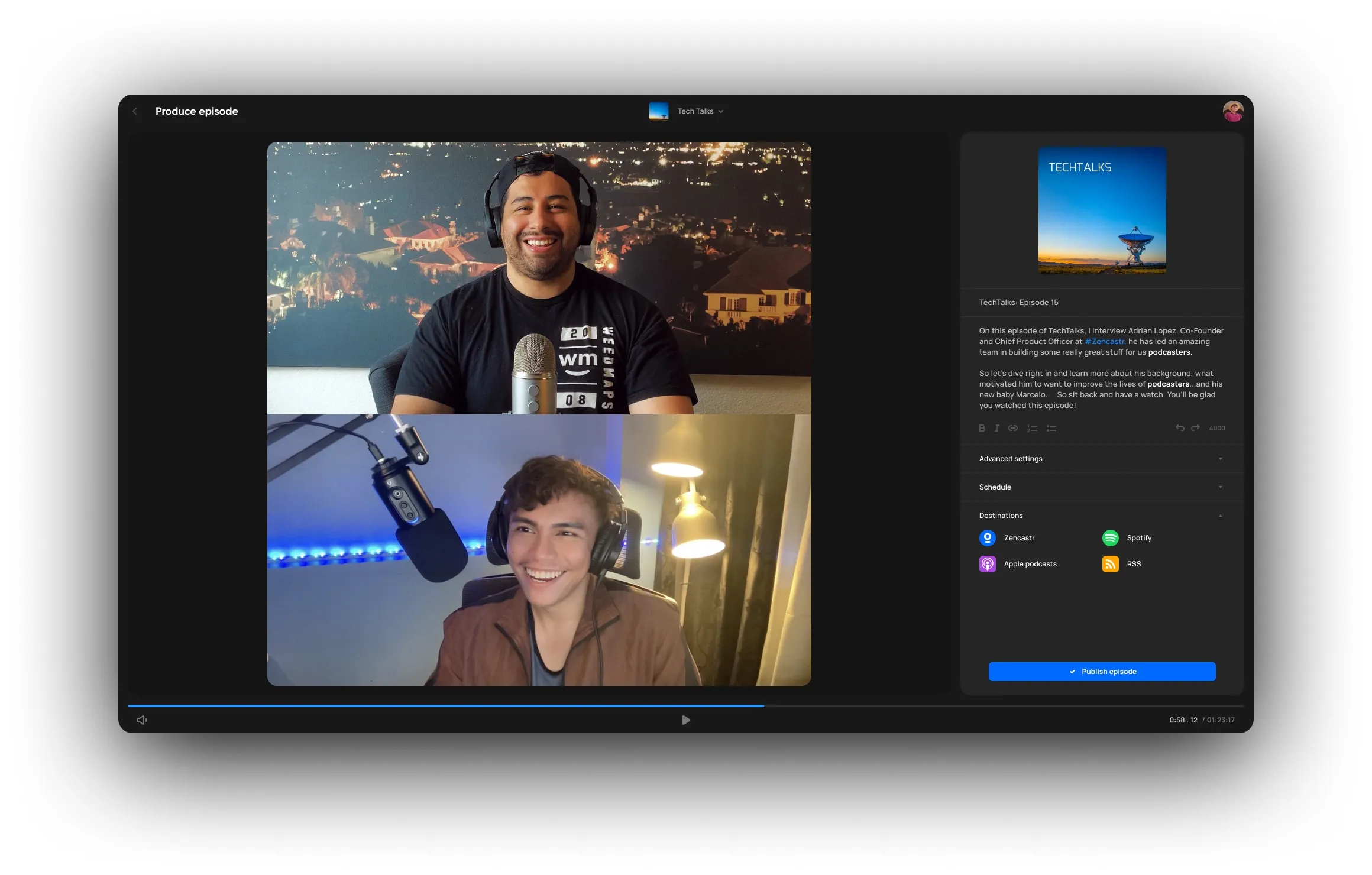
Standard already covers the core job: remote recording, separate local tracks, 1080p video, ZenAI editing, hosting and distribution. That is a substantial baseline. If I were launching an interview podcast today, I would not upgrade merely because Grow sounds more ambitious.
Grow earns its extra $10 when the episode must also become a YouTube upload and a handful of vertical clips. It adds 4K capture, automatic removal of more than 20 filler words, ZenAI clips with captions and titles, publishing to four social platforms, and direct publishing of the full video to YouTube. If that workflow sounds familiar, compare it with our guide to turning a YouTube video into Shorts. The right question is not “do I want 4K?” but “will these automation steps consistently save me time?”
Scale and Business solve a different problem. Scale adds room for two shows and two users plus dynamic ad insertion. Business expands that to five shows and four seats, with unlimited editing and more advanced monetization. If one person still handles every edit and upload, buying a team tier will not fix the workflow.
What you are really paying for
- More complete video repurposing
- Additional shows and seats
- More editing capacity
- Ad and monetization operations
What a higher plan cannot fix
- A guest’s poor microphone placement
- Weak lighting or framing
- A slow editorial approval process
- A show without a clear distribution plan
Three budgets I would actually choose
Is the free option really free?
Zencastr currently leads with a 14-day trial rather than a broad forever-free production plan. Its support documentation also describes a hosting-only Hobbyist state when a paid subscription is cancelled or downgraded. I would treat that as a place to keep a feed alive, not as a substitute for a full recording workflow.
That distinction matters because older reviews still describe more generous free recording allowances. Pricing pages change faster than search results. Our full Zencastr review focuses on the recording experience; this article focuses on what the current plan structure buys. If free recording is non-negotiable, also read what Riverside’s free plan actually includes before choosing.
Zencastr versus paying for separate tools
| Workflow | Zencastr approach | Separate-tool approach |
|---|---|---|
| Remote capture | Local audio and video tracks in one session | Dedicated recorder |
| Podcast edit | ZenAI and plan-based editing | Transcript editor such as Descript |
| Short clips | Included from Grow | Dedicated clip generator |
| Hosting | Built into the platform | Separate podcast host |
| Deep manual control | Less flexible than a full editor | Better in a specialist editor |
The all-in-one route is valuable when fewer handoffs matter more than perfect control. A producer who wants transcript-level editing may still prefer the workflow in our guide to editing a podcast in Descript. A social team that needs dozens of clips may prefer a dedicated tool; our comparison of the best AI podcast repurposing tools explains that trade-off.
How it compares with Riverside
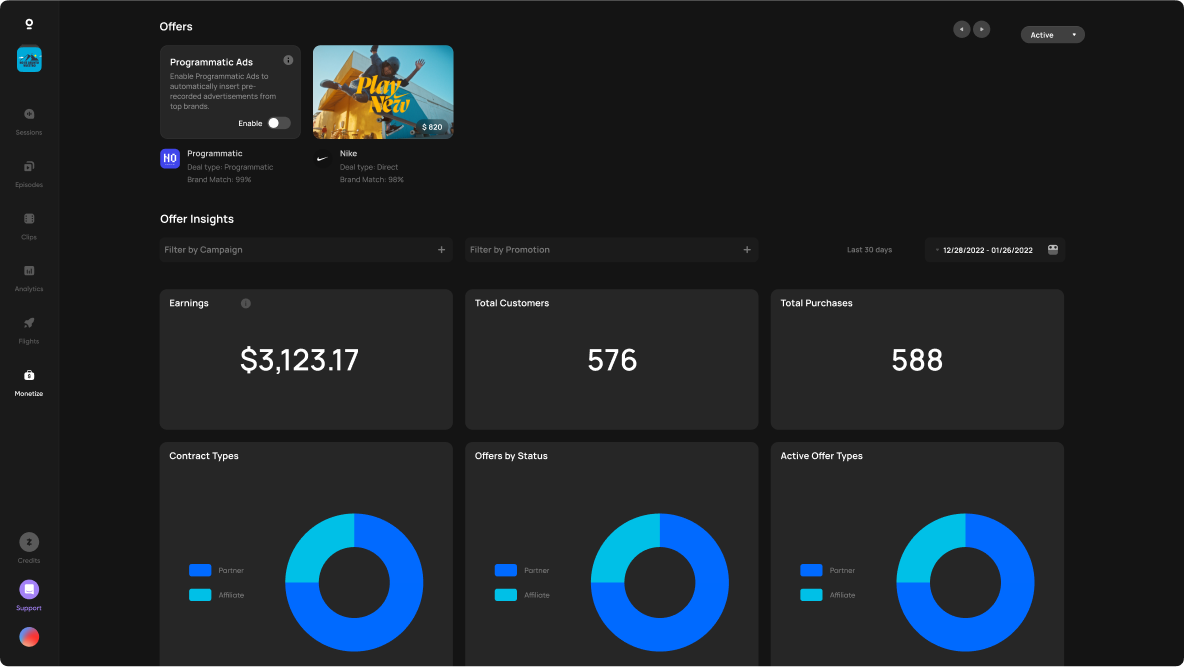
Zencastr and Riverside overlap heavily, but I would not reduce the decision to a feature checklist. Riverside feels stronger when the production revolves around polished remote video and external guests. Zencastr makes a persuasive case when recording, hosting, distribution and monetization need to live under one roof.
For a direct decision, read our Riverside vs Zencastr comparison. If you are leaning toward Riverside, our Riverside pricing breakdown shows where its own upgrade thresholds sit, while the Riverside review covers the complete recording experience.
My final recommendation
Choose Standard for one conventional podcast. Choose Grow when video repurposing is part of every episode. Choose Scale because you already operate two shows or need dynamic ads. Choose Business only when five-show capacity, four seats and advanced monetization have an owner and a real use date.
I would not prepay for a future content empire. Run one complete episode through the trial—from invite to published feed and clips—then pay to remove the step that annoyed you twice.
Frequently asked questions
How much is Zencastr per month?
Current US list pricing is $20 for Standard, $30 for Grow, $50 for Scale and $100 for Business per month. Confirm taxes and regional pricing at checkout.
Does Zencastr have a free plan?
Zencastr currently promotes a free 14-day trial. A hosting-only Hobbyist state may be available after downgrading, but I would not plan a production workflow around it.
Is Zencastr Grow worth it?
Yes for a weekly video podcast that will use 4K, automated filler-word removal, social clips and direct YouTube publishing. For audio-only shows, Standard is usually the better buy.
Can I cancel Zencastr?
Yes. Export anything important and confirm what happens to stored masters and active hosting before the billing period ends.
Compare Riverside and Zencastr
Last fact-checked: August 23, 2026. Pricing and allowances can change.