

Riverside does have a permanent free plan, but the phrase “two free hours” is easy to misunderstand. You are not locked out of recording after two hours. The real limit applies to downloading separate high-quality participant tracks—the files that make Riverside valuable for serious podcast editing.
Last fact-checked: August 17, 2026. Plan limits can change, so check Riverside before starting an important production.
What do you actually get with Riverside Free?
The free account is more functional than the headline limit suggests. Riverside currently includes unlimited recording time, unlimited editing and unlimited exports of edits and clips. You can record locally, invite remote participants, edit through the transcript, arrange multiple speakers, add captions and generate promotional clips.
The limits appear when you want professional source files or clean branded exports. Free users get their first two recorded hours of separate high-quality audio and video tracks. Combined exports are limited to 720p video and 44.1 kHz audio, and Riverside adds its branding.
| Feature | Riverside Free | What it means in practice |
|---|---|---|
| Recording time | Unlimited | You can keep recording after the two-hour separate-track allowance is used. |
| Separate high-quality tracks | First 2 hours, one time | After your lifetime usage passes two hours, individual track downloads are unavailable unless you upgrade. |
| Combined edits and clips | Unlimited exports | You can continue editing inside Riverside and export a composed episode or clip. |
| Video | Up to 720p | Usable for testing and casual content, but below the standard I would choose for a polished YouTube podcast. |
| Audio | 44.1 kHz | Perfectly usable for spoken-word podcasts; the bigger issue is branding, not the sample rate. |
| Recorded participants | Up to 10 | Enough for most interviews and panels. |
| Editing | Transcript, multitrack timeline, captions and basic cleanup | Enough to test the full record-to-export workflow before subscribing. |
If you want the broader judgment on recording quality, guest workflow and reliability, read my full Riverside review. This article focuses only on what “free” really lets you publish.
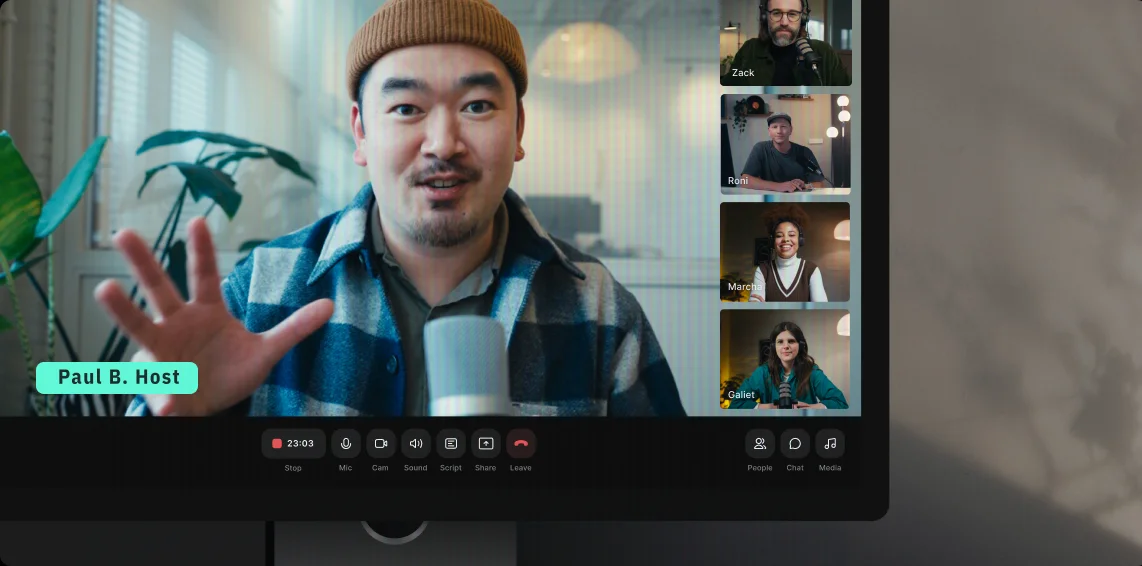
How Riverside’s two-hour free limit actually works
This is the part most likely to cause an unpleasant surprise. The free account does not give you two hours every month. Riverside describes it as access to separate high-quality tracks from the first two recorded hours on your account. It is a one-time allowance.
Paid-plan download allowances reset each month, but the Free plan is different. If you record a 75-minute interview and then a 60-minute interview, your lifetime recorded usage has passed two hours. At that point, the option to download the individual locally recorded tracks disappears unless you upgrade.
Does Riverside multiply the hours by the number of guests?
No. Riverside says the number of participants does not increase the hours used. A one-hour recording with three people consumes one hour of the allowance, not three. That makes the free account sufficient for a realistic multiguest test.
What happens after the two hours are used?
You can still record. You can still edit in Riverside. You can still export combined episodes and clips. What you lose is the ability to download new separate high-quality tracks for editing somewhere else.
This matters if your workflow ends in Descript, Premiere Pro, Final Cut Pro or another external editor. Separate tracks let you mute one participant, repair one microphone or reframe one guest without affecting everyone else. Once you depend on those files, Free is no longer enough.
If post-production is your main concern, compare this workflow with Descript vs Riverside or follow my Descript podcast editing workflow.
Does Riverside Free add a watermark?
Yes, but the answer depends on what you export.
- Combined video exports: a small “Created with Riverside” watermark appears at the top of the video frame.
- Audio-only exports: Riverside adds a short “Powered by Riverside” audio message at the beginning.
- Separate high-quality tracks: Riverside says these individual source tracks do not contain the watermark.
- Live streams: Riverside branding can also appear in the stream, with removal depending on your plan and settings.
The audio watermark is the detail I think many new podcasters will miss. A small visual mark may be acceptable for a test upload; a spoken Riverside introduction is much harder to ignore in a branded audio show.
Is Riverside’s free export quality good enough?
720p video: fine for testing, limiting for a serious video podcast
Free video tops out at 720p. It can look acceptable in a small embedded player or social post, particularly when the lighting, camera and composition are good. But it gives you less room to crop, reframe or punch in than 1080p or 4K footage.
For YouTube talking-head content, I would not build a long-term workflow around 720p in 2026. The image can be visibly softer on large screens, and vertical crops expose the resolution limit quickly. Paid Riverside plans support up to 4K, although the actual result still depends on each participant’s camera and hardware.
44.1 kHz audio: not the weak point
44.1 kHz is entirely usable for a spoken podcast. Moving to 48 kHz is useful for video production standards, but it will not compensate for echo, clipping or a laptop microphone on the other side of the room. Microphone placement and room acoustics matter more.
For free audio publishing, I would worry about the opening audio watermark before worrying about 44.1 versus 48 kHz. If your source audio needs stronger AI repair, see my Descript Studio Sound review.
What editing and AI tools are free?
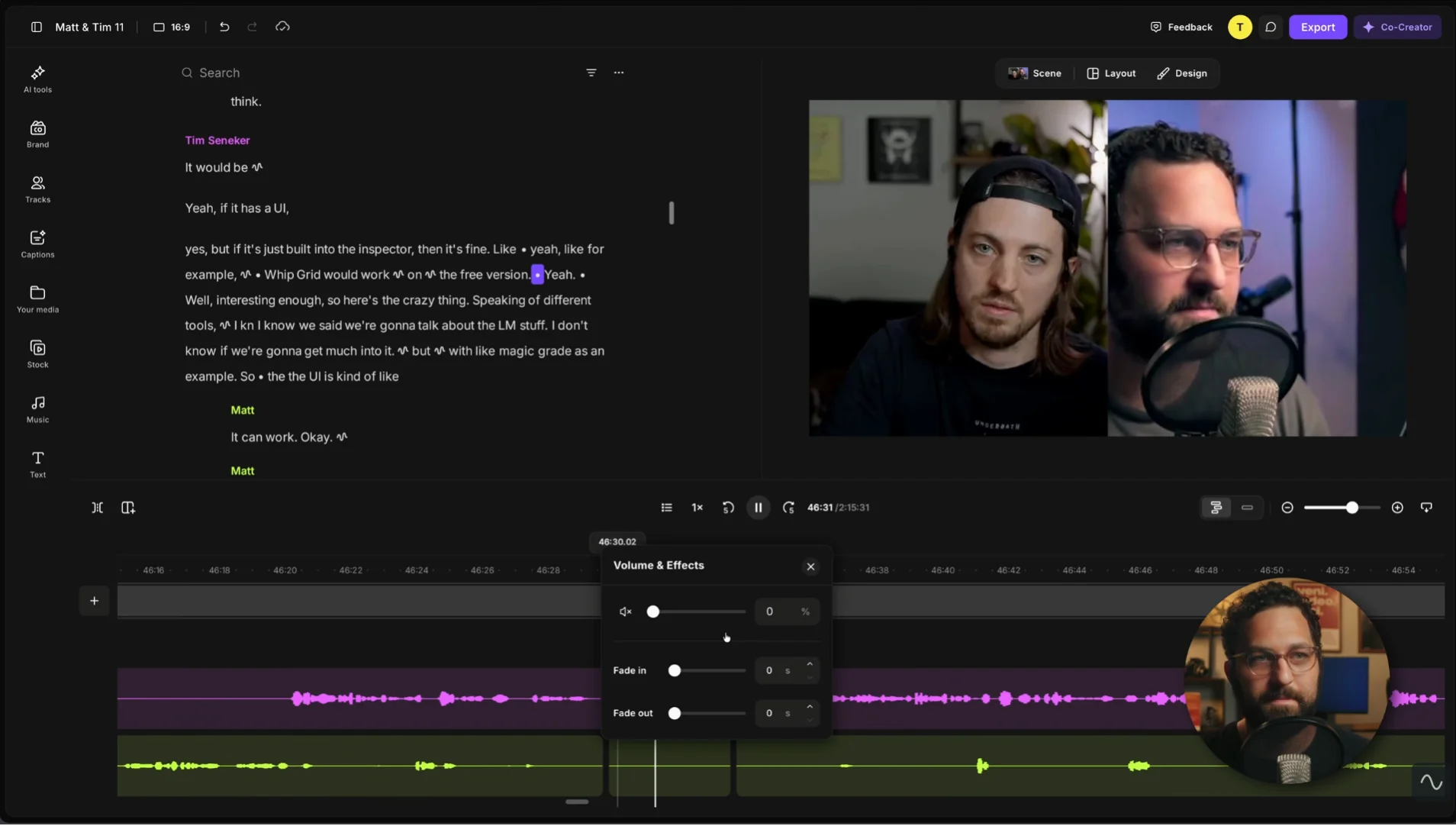
Riverside’s Free plan includes enough of the editor to judge whether the all-in-one workflow suits you. You can edit from the transcript, work with multiple tracks inside Riverside, switch layouts, remove filler words and silences, normalize levels, reduce background noise, add branding elements and create captions.
The AI Co-Creator and Magic Clips are also available in some form. That means you can ask Riverside to help assemble an edit or create social clips from a longer recording. Paid plans add more control and premium features; Magic Audio, for example, is not included on Free.
Can the free editor replace Descript?
For a straightforward interview edit, possibly. Riverside can trim the conversation, manage speaker layouts, add captions and export the episode without moving files. That is a compelling free test.
Descript remains more editing-centered. It is the product I would compare when rewriting dialogue, repairing sections, arranging a detailed narrative or making transcript editing the heart of the workflow. Riverside’s advantage is that the recording and editor live together. You can compare the free allowances in my Is Descript Free? guide and the full plans in Descript Pricing.
Can Magic Clips replace OpusClip?
It can be enough when you only need a few promotional moments from the podcast you just recorded. A dedicated clipper is still more attractive when you need batch output, clip-specific templates or a workflow built around repurposing existing YouTube videos. My OpusClip review covers that specialist approach.

What do you not get for free?
The most meaningful paid upgrades are not decorative extras. They remove restrictions that affect a repeatable production workflow:
- Watermark-free combined video and audio exports
- Up to 4K video and 48 kHz audio
- 15 or more monthly hours of separate-track downloads
- Magic Audio enhancement
- Speaker detection in transcripts
- Podcast hosting and broader distribution features
- More advanced clip customization and publishing tools
Pro currently costs $29 month to month or $24 per month when billed annually. It includes 15 hours of separate-track downloads per month, one studio, 4K video, 48 kHz audio and no watermark. For a regular remote podcast, that is the plan Riverside is really designed to sell.
I would not upgrade just because the pricing page contains more checkmarks. Upgrade when one of three things becomes true: the watermark reaches published content, you need external multitrack editing, or 720p is holding back the video.
Riverside Free vs Pro: what are you really paying for?
Pro is not simply Free with more recording time. Both plans let you record and edit without a general time cap. The subscription turns Riverside from a contained, branded editor into a more flexible production system: you can take individual files elsewhere, export without Riverside branding and preserve more video detail.
| Decision point | Free | Pro |
|---|---|---|
| Price | $0 | $29 monthly or $24/month billed annually |
| Separate tracks | First 2 recorded hours, one time | 15 hours per month |
| Video quality | Up to 720p | Up to 4K |
| Audio quality | 44.1 kHz | Up to 48 kHz |
| Riverside watermark | Included on combined exports | Removed from standard recorded exports |
| Best workflow | Test, edit and export inside Riverside | Publish regularly or edit individual files elsewhere |
A weekly one-hour podcast rarely uses exactly four hours a month. Sound checks, retakes and conversations before or after the formal interview all add time. Pro’s 15-hour allowance is therefore more comfortable than it first appears, but creators producing several long shows or client sessions should calculate from full studio time rather than published episode length.
Is annual Pro automatically the best value?
No. The annual rate is cheaper per month, but it commits you to a full year before you know how guests behave, how reliably files upload and whether Riverside’s editor removes another subscription. I would use Free for a complete pilot and then pay for one monthly Pro cycle. Move to annual billing only after the workflow survives several real episodes.
Is Riverside Free actually worth using?
Free is good for
- Testing a complete remote interview
- Recording a pilot episode
- Learning the guest and upload workflow
- Evaluating transcript editing
- Making internal or low-stakes content
- Trying Magic Clips before subscribing
Free is weak for
- A weekly branded video podcast
- Client or agency production
- External multitrack editing every episode
- 1080p or 4K YouTube publishing
- Audio shows that cannot accept an intro watermark
- Creators who already used the first two hours
My honest verdict: Riverside Free is a very good evaluation plan and a mediocre long-term professional plan. That is not a criticism—the free account lets you test the distinctive local-recording workflow with a real guest. But the one-time track allowance and branding are deliberately positioned to make regular publishers upgrade.
The smartest use is to spend the two hours deliberately. Do not waste them on ten tiny device tests. Run one realistic episode, keep the source tracks, edit the entire show and export every format you expect to publish.
When should you upgrade to Riverside Pro?
Before paying annually, use the free account and then one month of Pro. A remote recorder is too dependent on your guests, hardware and production habits to judge from a feature table alone.
Frequently asked questions
Is Riverside free forever?
Yes. The Free plan has no fixed expiration date and does not stop you recording or editing after two hours. The separate high-quality track allowance, however, covers only the first two recorded hours on the account.
Does Riverside Free reset every month?
No, not for the Free plan’s two-hour separate-track allowance. It is one-time lifetime usage. Monthly separate-track allowances apply to paid plans and reset each billing month.
Can I keep recording after two free hours?
Yes. You can keep recording, editing and exporting combined edits or clips. You lose access to downloading additional separate high-quality participant tracks unless you upgrade.
Does Riverside Free have a watermark?
Yes. Combined video exports receive a visual Riverside watermark, while audio-only exports include a short Riverside audio message at the beginning. Separate high-quality source tracks do not contain the watermark.
Can Riverside Free export 1080p?
The Free plan is limited to a maximum of 720p. Paid plans support higher export and recording resolutions, up to 4K where the participant’s equipment supports it.
Do I need a credit card for Riverside Free?
No credit card is required to create and use the permanent Free account. Starting a separate paid-plan trial may require billing details, so check the confirmation screen before activating one.
How many people can record on Riverside Free?
Riverside currently states that Free supports recording with up to 10 people in a session. The number of participants does not multiply the separate-track hours used.
What happens to recordings if I cancel Riverside?
Riverside says previous recordings are not deleted when a paid account moves to Free. However, it recommends downloading separate tracks and timeline exports before the paid billing period ends because access to paid features changes.
Sources and methodology
Plan details were checked against Riverside’s current pricing and support documentation. This is an independent editorial analysis and does not invent subscription testing or long-term use.