

I used to treat repurposing as a vague promise: upload one video, press a button, and somehow receive a month of content. In practice, that usually produces a folder full of generic drafts. So I tried a narrower workflow with one 20-minute talking-head video, OpusClip and Castmagic—and counted only the posts I would genuinely consider publishing.
The final result was 10 social publishing slots built from six distinct assets: two edited short videos distributed across three platforms, plus four written posts adapted for different audiences. That distinction matters. I did not pretend that the same clip posted on TikTok and Instagram was two original ideas.
First, What Counts as 10 Social Media Posts?
There are two honest ways to count repurposed content: unique assets and actual posts. The first tells you how much creative variety you produced. The second tells you how many places in your publishing calendar are now filled.
| Post | Platform | Source | Unique asset? |
|---|---|---|---|
| 1 | YouTube Shorts | Video clip A | One clip, adapted to three publishing slots |
| 2 | Instagram Reels | Video clip A | |
| 3 | TikTok | Video clip A | |
| 4 | YouTube Shorts | Video clip B | One clip, adapted to three publishing slots |
| 5 | Instagram Reels | Video clip B | |
| 6 | TikTok | Video clip B | |
| 7 | One practical lesson | Yes | |
| 8 | X | Short educational thread | Yes |
| 9 | Carousel outline and caption | Yes | |
| 10 | YouTube Community | Question-led takeaway | Yes |
So this is not “10 completely different ideas.” It is six creative assets turned into 10 scheduled posts. To me, that is a more useful outcome than asking AI for 10 near-identical captions and calling the job finished.
Video branch: OpusClip
20-minute source → candidate moments → two corrected vertical clips → Shorts, Reels and TikTok.
Written branch: Castmagic
20-minute source → transcript and themes → four platform-specific written posts.
Step 1: Preparing the 20-Minute Source Video
I used a talking-head video with one clear topic, several concrete points and clean enough audio to transcribe. This matters more than people admit. Repurposing software can locate and reformat ideas, but it cannot manufacture a strong argument from 20 minutes of repetition.
Before uploading, I checked four things:
- The first minute clearly introduced the problem.
- At least three sections contained a complete takeaway that made sense without the full video.
- Key examples were spoken aloud rather than shown only on screen.
- The audio was clear enough that captions would not require a complete rewrite.
I did not pre-cut the source into smaller files. Both tools needed the complete context: OpusClip to compare potential moments, and Castmagic to understand the wider argument before drafting posts.
2Creating the Video Posts in OpusClip
I sent the 20-minute video to OpusClip first. Its official credit model charges one processing credit per minute of imported source footage, so this run used roughly 20 credits. OpusClip says a 10–30 minute input can generate roughly 5–21 candidates depending on the model and the material. That is a range, not a promise—and more clips do not automatically mean more usable clips.

I was looking for two types of clip:
- A strong opinion: one self-contained point with an immediate hook.
- A practical takeaway: one section that gave the viewer something specific to do.
I ignored candidates that relied on context from an earlier section, opened with “as I mentioned before,” or took too long to reach the point. A high virality score did not override those problems. The score is a useful sorting signal, not editorial proof.
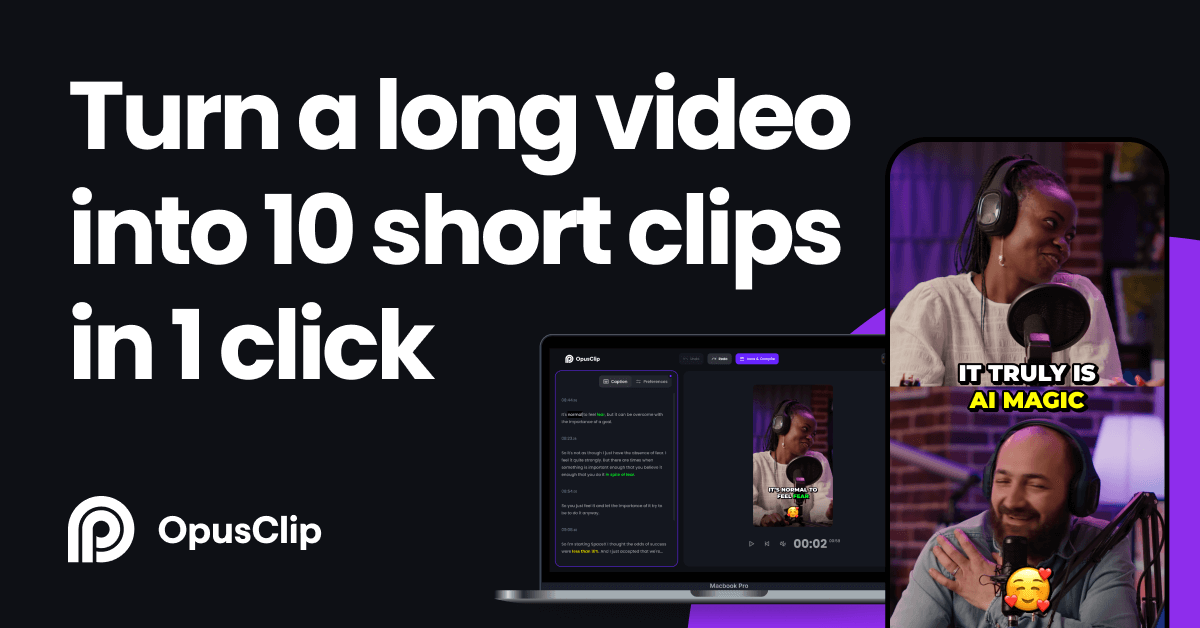
What I changed before exporting
Neither selected clip was publish-ready untouched. I tightened the opening, removed a trailing sentence that repeated the conclusion, corrected a few caption words and checked that the crop did not drift away from the speaker. These were small changes, but they separated a recognisable AI clip from something I would attach to my own name.
The final versions were exported vertically and prepared for three platforms each. That created posts 1–6. I would still change the caption and opening line around each upload rather than paste the exact same metadata everywhere.
If you have never used this workflow, our guide to turning a YouTube video into Shorts explains the basic options. For a deeper view of selection quality and editing, see the hands-on OpusClip review.
3Creating the Written Posts in Castmagic
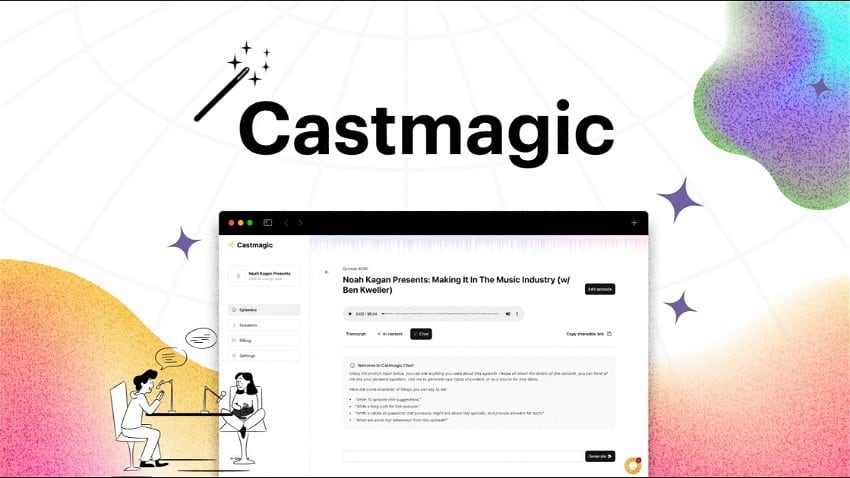
Next, I imported the same source into Castmagic. The tools overlap slightly, but I used them for different jobs. OpusClip decided which moments worked visually. Castmagic converted the recording into a searchable transcript, identified themes and generated written assets from the spoken ideas.
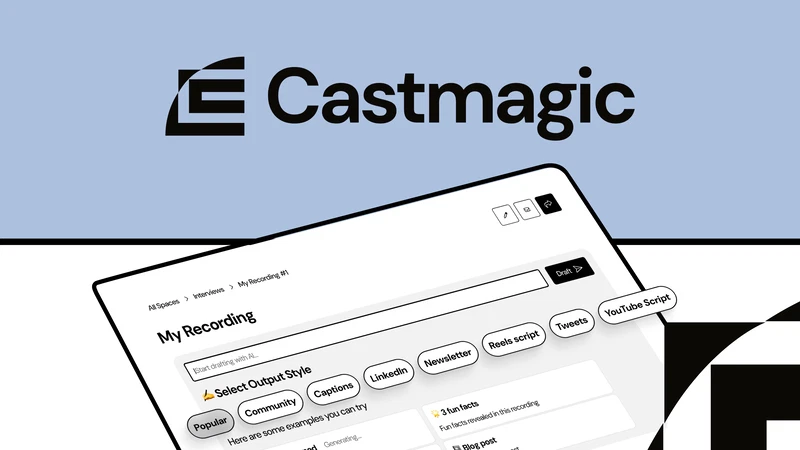
Castmagic officially supports custom content outputs alongside presets for items such as LinkedIn posts, newsletters, articles, quotes and social content. The flexibility is useful, but the default output can feel generic if the instruction is simply “write a social post.” I got better drafts by specifying the platform, reader, structure and what not to do.
Example instruction: “Write one LinkedIn post for solo creators who struggle to repurpose long videos. Open with a specific observation from the transcript, explain one practical workflow, use short paragraphs, and end with a genuine question. Do not use motivational clichés or claim the process is fully automatic.”
Post 7: LinkedIn insight
I chose one lesson from the video and rewrote it as a short professional observation: problem, lesson, workflow, question. I kept it text-only. Adding every point from the source would have turned it into a compressed blog post rather than a LinkedIn post.
Post 8: X thread
The X version used a sharper opening and broke the process into a short sequence. I removed repeated setup language and made sure each post contributed something new. AI-generated threads often restate the same idea five ways; this one needed aggressive trimming.
Post 9: Instagram carousel and caption
Castmagic produced the written skeleton rather than the finished graphic: a cover promise, five concise slides, a final action and a caption. I shortened every slide until it could be understood at a glance. A paragraph placed on a square image is not a carousel.
Post 10: YouTube Community post
I used a question from the video rather than another summary. The post introduced the tension, offered two possible workflows and asked viewers which bottleneck they had. This was the simplest asset, but it also felt the most native to its platform.
Castmagic also produced possible blog and newsletter drafts. I did not count them because they were not social posts and needed more development. They remain useful downstream assets, especially if the source video supports a search-focused article or an email with a stronger point of view.
The Manual Editing AI Did Not Remove
This workflow reduced blank-page work; it did not eliminate editorial work. I still had to decide:
- Which two clips made sense without the original video.
- Whether the opening frame and first sentence were strong enough.
- Which caption errors changed the meaning.
- Which written idea suited each platform.
- What to delete when Castmagic sounded repetitive or over-polished.
- Whether the final posts reflected my actual opinion.
The last point is the most important. Transcript-based writing is safer than generating from a one-line topic because the claims are grounded in something I actually said. But Castmagic can still smooth a nuanced point into a confident generalisation. I compared each final post with the transcript before publishing.
I also avoided forcing the exact same hook across every format. A spoken hook that works with facial expression may look awkward on LinkedIn. A useful LinkedIn explanation may be too slow for TikTok. Repurposing should preserve the idea, not clone the packaging.
How Long Did the Workflow Take?
The processing itself was not the main time cost. OpusClip notes that clip generation time varies with source length and demand, so I treated processing as background time and worked on the Castmagic branch while it ran.
| Task | My active time | What happened |
|---|---|---|
| Prepare and upload source | 5 minutes | Check audio, title the project and import the same source |
| Review OpusClip candidates | 15 minutes | Reject context-dependent clips and choose two |
| Edit and export two clips | 15 minutes | Trim, correct captions and inspect reframing |
| Generate Castmagic drafts | 10 minutes | Choose outputs and write specific prompts |
| Edit four written posts | 25 minutes | Remove repetition, sharpen hooks and fact-check |
| Prepare platform variants | 10 minutes | Write platform-specific captions and calls to action |
| Total active time | About 80 minutes | Excludes background processing and graphic design |
Eighty minutes is not instant, but it is much faster than finding clips manually, transcribing the video, starting four written posts from blank pages and rewatching the source repeatedly. The time saving came from better starting points—not from blindly accepting finished AI content.
What about cost?
OpusClip used around 20 processing credits because credits are currently based on source-video minutes. Whether that requires a paid plan depends on how many videos you process each month. Our OpusClip free-plan breakdown covers the watermark and editing limits, while the OpusClip pricing analysis for solo creators calculates the upgrade point at different publishing volumes.
Castmagic pricing and allowances can change, so I would judge it by recurring output rather than one experiment. If you publish one recording every few months, paying for a second tool may be unnecessary. If every weekly recording needs a newsletter, social posts and an article outline, the saved writing time is easier to justify.
Product capabilities checked against the official Castmagic features page, Castmagic social post workflow, OpusClip product page and OpusClip credit documentation on August 13, 2026.
Is This Workflow Actually Worth Using?
Yes, if long-form video is already part of your content strategy. The workflow is much less convincing if you record a 20-minute video solely to feed two AI tools. The source still has to be worth watching—or at least contain ideas worth extracting.
It works best when:
- You publish interviews, podcasts, webinars or structured talking-head videos.
- You need both short video and written distribution.
- Your bottleneck is repackaging, not generating ideas.
- You are willing to spend 30–45 minutes reviewing AI output.
- You publish often enough to reuse templates and prompts.
It is probably overkill when:
- You produce only one occasional clip.
- The source video has no clear sections or takeaways.
- You expect every generated asset to be publish-ready.
- You do not have a reason to post on all selected platforms.
- Your audience would rather receive one excellent post than ten scheduled variations.
I would also change the workflow if the original video still needed serious editing. OpusClip is the repurposing layer, not my choice for restructuring an entire episode. Our OpusClip vs Descript comparison explains when automatic clipping should give way to a full transcript-based editor.
My Final Takeaway
The best part of this experiment was not reaching the number 10. It was giving one useful idea several chances to find the right audience.
OpusClip handled the job it is genuinely good at: searching a finished video for visual moments and turning them into vertical drafts. Castmagic handled a different bottleneck: converting the complete spoken context into structured written starting points. Keeping those roles separate made the workflow clearer and the results easier to judge.
I ended with six distinct assets and 10 realistic publishing slots in roughly 80 minutes of active work. I would use the workflow again—but I would never publish every generated output just to hit a content quota. Two strong clips and four edited written posts are more valuable than 20 automated drafts nobody wants to read.
Frequently Asked Questions
Can one 20-minute video really create 10 social posts?
Yes, but not necessarily 10 completely different ideas. In this workflow, two unique clips were distributed across three video platforms, and four distinct written assets filled four more publishing slots.
Why use both OpusClip and Castmagic?
OpusClip is better suited to finding, reframing and captioning short video moments. Castmagic uses the full transcript to generate written content such as LinkedIn posts, threads, captions and article or newsletter drafts.
Do I need to edit the AI-generated content?
Yes. Video clips still need context, caption and crop checks. Written posts need repetition removed, claims verified and the tone adjusted for each platform.
Could Castmagic replace OpusClip?
Castmagic can create content and clip-related outputs, but I prefer OpusClip’s focused automatic video curation and reframing workflow. Castmagic was more useful here as the written-content branch.
What type of source video works best?
A clear interview, podcast or talking-head video with self-contained insights works best. Rambling footage with poor audio creates weak clips and generic written output regardless of the tools.