
OpusClip and Vizard promise essentially the same thing: upload one long video and let AI turn it into a batch of vertical shorts. After using both, however, I do not think they are interchangeable.
OpusClip is the better clip finder. It more consistently identifies moments that already contain a hook, a complete idea and a usable ending. Vizard is the better browser-based editor. Its first selections can require more intervention, but it gives me more freedom to repair them without moving the project to another app.
Last checked: July 31, 2026. Plan details can change; current limits were verified against the official OpusClip and Vizard pricing pages.
My short answer: I would choose OpusClip for podcasts, interviews and talking-head videos when the main goal is to find strong clips quickly. I would choose Vizard when I expect to edit every result, especially if changing the transcript, timing and layout matters more than getting the best first draft.
OpusClip vs Vizard: Quick Comparison
| Category | OpusClip | Vizard | Winner |
|---|---|---|---|
| Clip selection | Better hooks and more self-contained moments | More clips, but more weak starts and endings | OpusClip |
| Caption accuracy | Very good on clean English speech | Also strong; easier to correct in the free editor | Draw |
| Auto reframing | More reliable active-speaker tracking | Flexible layouts, occasionally needs repositioning | OpusClip |
| Editing freedom | Useful paid editor; no editing on Free | Full editor included on Free | Vizard |
| Free export | Up to 1080p | 720p | OpusClip |
| Free watermark | Yes | Yes | Draw |
| Generation speed | Usually faster to reach a usable result | Processing is competitive; review takes longer | OpusClip |
| Best for | Fast, automated repurposing | Creators who want hands-on control | Depends |
How I Compared OpusClip and Vizard
I focused on the result a normal creator actually cares about: how much work remains between uploading a long video and publishing a short. I compared the tools using conversational, talking-head content rather than a perfectly scripted marketing video. That exposes poor cuts, subtitle mistakes and framing problems much faster.
I judged each generated clip on three basic questions:
- Does the opening make sense without the previous sentence?
- Does the clip deliver one complete idea rather than stopping halfway through it?
- Would I publish it after a quick caption check, or does it need structural editing?
This is not a laboratory benchmark. AI output changes with the speaker, subject, audio and source-video structure. It is a practical comparison of which tool reduces the most manual work. For a deeper look at OpusClip on its own, see my full OpusClip review and hands-on test.
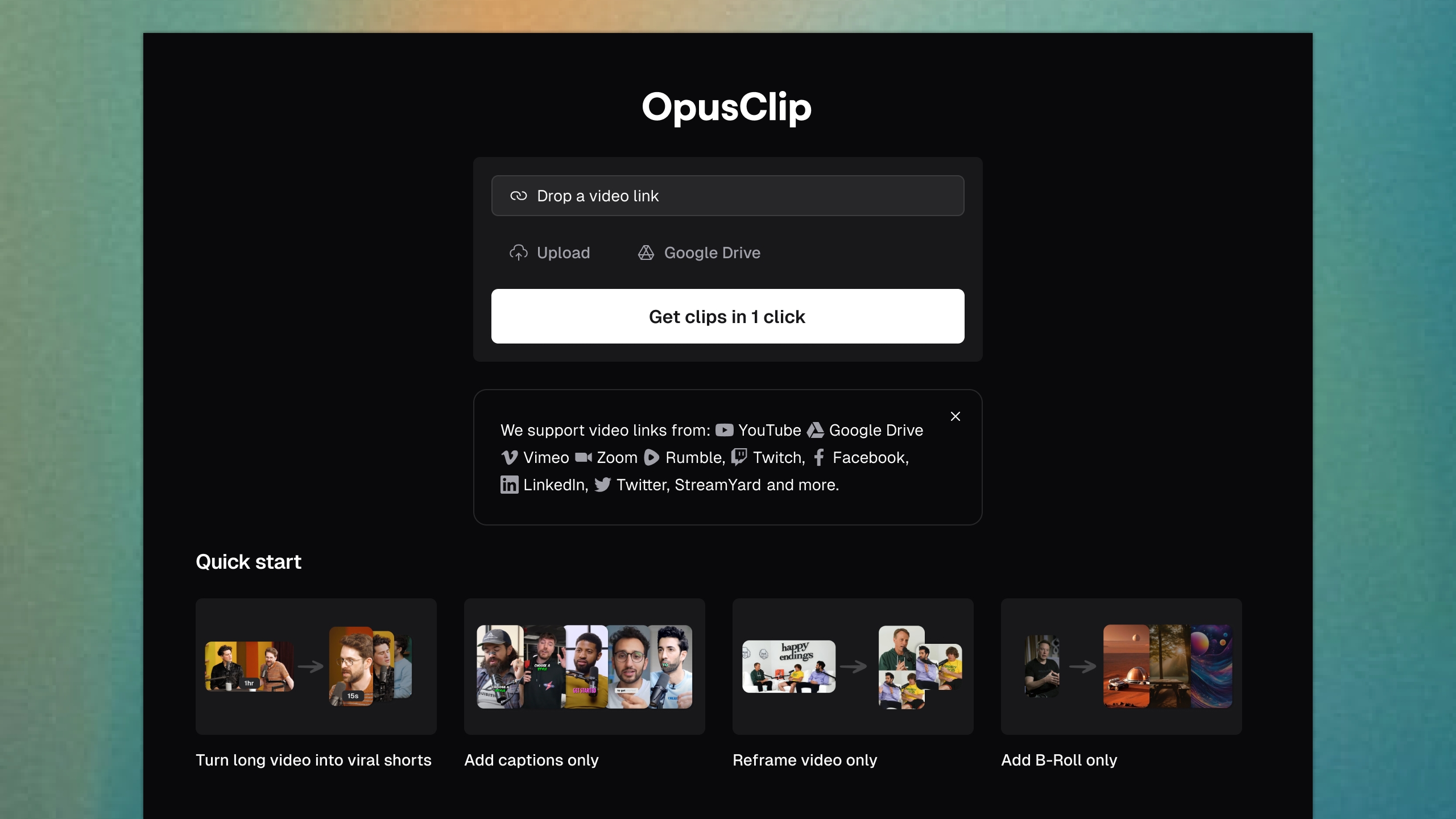
1. Clip Selection Accuracy
Winner: OpusClip
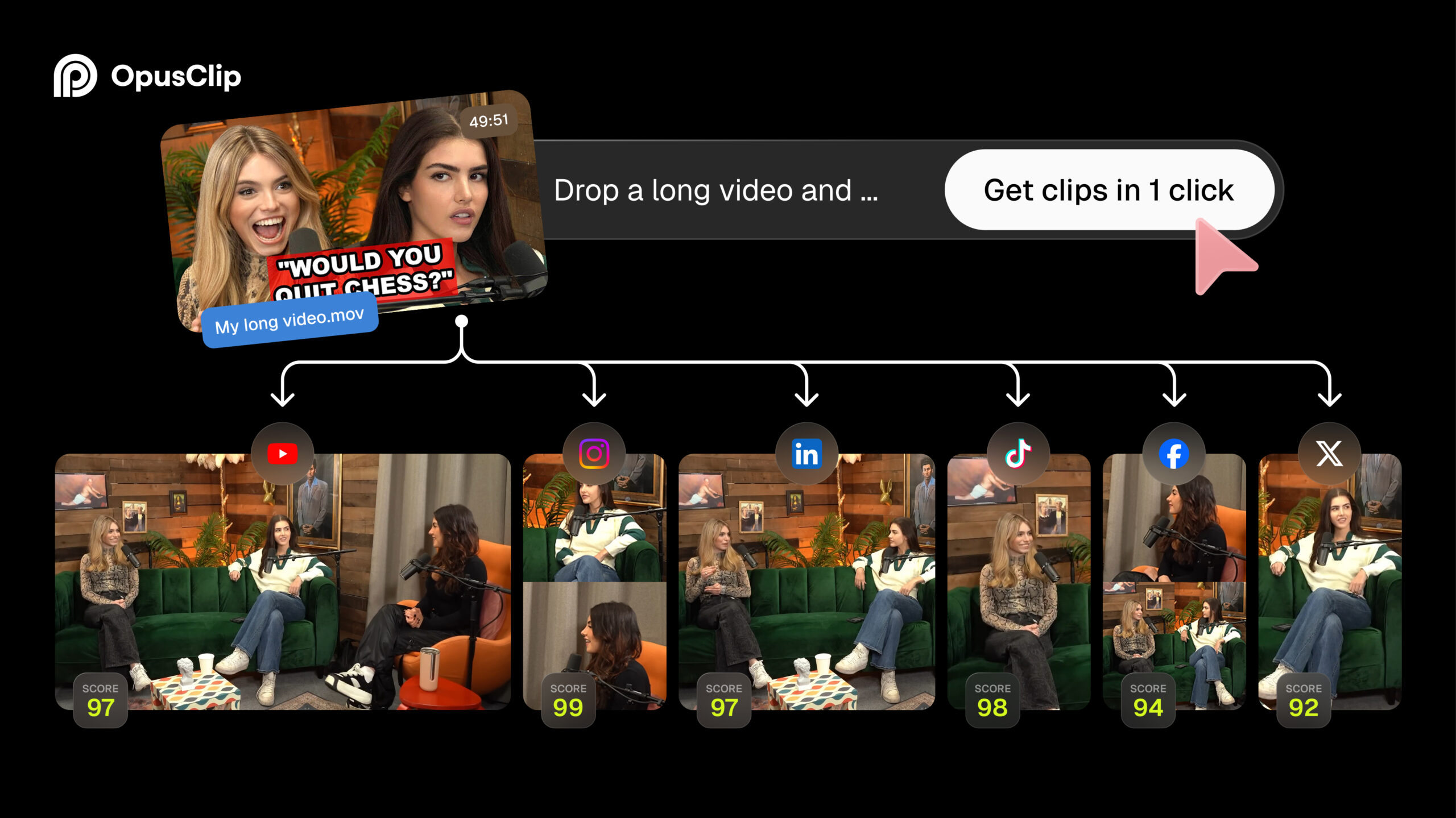
This is the category that matters most, and it is where OpusClip earns its reputation. It is not perfect, but its stronger results tend to feel like actual short-form videos rather than arbitrary excerpts from a transcript.
OpusClip was better at recognising the structure of a spoken point. It more often started close to the setup, preserved the sentence that carried the payoff and stopped after the idea had landed. Its virality score is not something I would treat as a prediction of views, but the accompanying explanation is useful when scanning a large batch.
Vizard also found relevant moments, and sometimes surfaced a section OpusClip missed. The problem was consistency. More of its suggestions began with context-dependent phrases such as “and that is why” or ended just before the speaker completed the thought. Those clips were salvageable, but I had to open the editor and extend the boundaries.
My impression: OpusClip gave me fewer decisions to make. Vizard gave me more material to work with, but I spent longer deciding what was genuinely publishable.
For well-structured podcasts, educational videos and interviews, I would trust OpusClip to create the first shortlist. For loosely structured conversations, neither tool replaces a human review.
2. Caption Accuracy
Winner: Draw — with different advantages
Both tools performed well with clear English speech. Ordinary sentences were transcribed accurately enough that I was correcting punctuation, names and emphasis rather than rewriting entire captions.
OpusClip’s captions looked more polished immediately. Keyword highlighting and animated styles made the first export feel closer to the fast-paced subtitle style used on Shorts and Reels. It also claims more than 97% caption accuracy, although real performance naturally depends on audio quality and accents.
Vizard was not meaningfully worse on normal dialogue. Its advantage was correction: the text-based editor made it easy to click into the transcript, fix a word and adjust how the text appeared. That matters because even one incorrect product name can make an otherwise good clip look careless.

If I only wanted the best-looking automatic captions, I would lean slightly toward OpusClip. If I knew I would correct names, remove filler and reshape the clip through its transcript, I would rather work in Vizard.
3. Automatic Reframing
Winner: OpusClip
Turning a 16:9 video into 9:16 is not just a crop. The tool has to detect the active speaker, keep the face inside a safe area and change the layout when two people appear. OpusClip handled this more confidently.
On talking-head footage, it generally kept the speaker centred without obvious jumps. Its supported layouts also cover common situations such as a single speaker, multiple speakers and screen or presentation content. I still checked every clip, but I needed fewer manual positioning changes.
Vizard’s auto-reframe was competent and its templates gave me more ways to rearrange the final canvas. However, I noticed more moments where the framing was technically correct but aesthetically awkward—too much empty space, a face sitting close to the edge, or a layout change arriving slightly late.
The difference is not dramatic on a static webcam recording. It becomes more visible when speakers move or the source alternates between people and screen content.
4. Editing Freedom
Winner: Vizard
This is Vizard’s clearest win. It behaves like an online video editor that also happens to generate AI clips. I could adjust the transcript, trim the clip, change its aspect ratio, work with captions and layouts, and reshape an imperfect suggestion without immediately leaving the platform.
That distinction is especially important on the free plans. Vizard currently includes full access to its video editor, while OpusClip lists no editing on its Free plan. OpusClip’s paid editing tools are useful, but a free user is mainly evaluating the automatic result rather than completing a flexible production workflow.
Vizard is therefore more forgiving when the AI chooses the wrong first sentence. I can extend the clip backwards, remove a pause or rewrite a caption in the same workspace. With free OpusClip, a poor boundary is effectively a reason to discard the result or finish it in another editor.
If you prefer to control the process yourself, my guide to three ways to turn a YouTube video into Shorts also compares automated clipping with more manual workflows.

5. Export Quality
Winner on the free plan: OpusClip
OpusClip’s current Free plan renders clips at up to 1080p. Vizard’s Free plan is limited to 720p. On a phone screen, a clean 720p clip can still look acceptable, but the difference becomes easier to see in fine text, hair, screen recordings and footage that has already been heavily cropped from a landscape source.
Resolution is not the same as real detail. A 1080 × 1920 export made from a narrow crop of a low-quality 1080p landscape video cannot magically recover missing pixels. Starting with a clean 4K or high-bitrate 1080p source gives either tool more information for the vertical crop.
On paid tiers, the calculation changes. Vizard advertises exports up to 4K on its Creator plan, while the right choice depends on the final platform and the quality of the original footage. For ordinary YouTube Shorts, Instagram Reels and TikTok posts, clean 1080p is usually the practical target.
6. Watermarks and Free-Plan Limits
Winner: Neither
Both free plans are useful for testing, but neither is a clean professional publishing solution. The current limits are:
| Free-plan limit | OpusClip | Vizard |
|---|---|---|
| Monthly credits | 60 credits | 60 credits |
| Credit calculation | Approximately 1 credit per source minute | 1 credit per uploaded minute |
| Export resolution | Up to 1080p | 720p |
| Watermark | Yes | Yes |
| Editing | No | Full editor access |
| Project storage | 3 days before clips are no longer exportable | 3 days |
| Social accounts | Plan-dependent publishing features | Manage 1 account |
OpusClip gives the better-looking free file, but Vizard lets me do more before exporting it. In practice, the watermark is the decisive limitation for both. I would use the free tier to compare clipping, captions and reframing, then pay only when I had content worth publishing regularly.
For a full breakdown of exactly what OpusClip allows without payment—including downloads, supported inputs and project expiry—read Is OpusClip Free? Limits, Watermark & Quality Tested.
7. Generation Speed
Winner: OpusClip, narrowly
Raw processing time varied with video length and platform load, so I would not promise that one tool will always finish first. Both can turn a normal upload into a batch of clips in minutes rather than the hours required for a manual first pass.
OpusClip nevertheless felt faster in actual use because processing time is only half the workflow. Its stronger first selections meant I could scan the titles, preview the highest-potential clips and reach a usable shortlist with less intervention.
Vizard could generate results quickly too, but I spent more time opening candidates, adjusting boundaries and checking whether a clip depended on earlier context. The software was not necessarily slower; the route from upload to publishable clip was longer.
Important: priority processing is a paid-plan feature, and cloud queues change. Treat speed as a workflow observation, not a guaranteed render-time benchmark.
Final Verdict: Which AI Clipper Creates Better Shorts?
OpusClip creates the better automatic first draft. Its clip selection is more dependable, its active-speaker framing needs less repair and its free 1080p export is sharper than Vizard’s free 720p output. If I had a one-hour podcast and wanted to find the five best promotional clips with minimal effort, OpusClip would be my first choice.
Vizard is the better choice for creators who want control. Its full editor makes weak AI selections easier to rescue, and the transcript-based workflow is more comfortable when I want to change timing, text and layout. I would choose it when I already expect to touch every clip before publishing.
Choose OpusClip if you…
- Want the strongest automatic clip selection
- Mostly repurpose podcasts, interviews or talking-head videos
- Value reliable speaker tracking
- Want 1080p exports while testing the free plan
- Prefer reviewing clips over building them manually
Choose Vizard if you…
- Want a fuller browser-based editing workspace
- Frequently adjust clip boundaries and transcripts
- Need editing access before paying
- Prefer customisation over one-click automation
- Do not mind spending longer refining each result
My overall winner is OpusClip, but only by the definition in the title: which tool creates better Shorts automatically. Vizard may be the more useful product if your real question is which tool lets you turn an imperfect AI clip into exactly the Short you want.
Frequently Asked Questions
Is OpusClip better than Vizard?
OpusClip is better at automatically identifying self-contained, engaging moments and reframing speakers. Vizard is better for manual editing and gives free users much more control over generated clips.
Which tool has the better free plan?
It depends on what you want to test. OpusClip offers up to 1080p free exports but no editing. Vizard limits free exports to 720p but includes full editor access. Both currently provide 60 monthly credits, three-day project storage and watermarked free exports.
Does Vizard remove its watermark for free?
No. Vizard’s free exports carry its watermark. Watermark removal is listed as a benefit of the paid Creator plan.
Which is better for podcast clips?
I prefer OpusClip for podcast clips because its selections more often include a complete setup and payoff, while active-speaker reframing is generally more dependable. Vizard is a good alternative when you want to reshape those clips manually.
Can either tool replace a video editor?
For straightforward talking-head Shorts, sometimes. Neither tool reliably understands every piece of context, brand requirement or comedic beat. Important clips still need a human check for boundaries, caption errors, framing and factual accuracy.
Sources for current plan details: official OpusClip pricing and help documentation; official Vizard pricing page. Product limits were checked on July 31, 2026.