
VistaCreate looks most convincing when a campaign refuses to stay one size. I tested it with a deliberately awkward brief: turn one launch concept into a square post, vertical Story, animated Reel cover, web banner and Pinterest graphic without losing the visual idea along the way.
That test changed my opinion of the product. VistaCreate is often described as a cheaper Canva alternative, but price is not the interesting part. Its appeal is the speed at which a non-designer can push one visual direction across static and motion formats. Its weakness is what happens when you ask for deeper editing or a large ecosystem of integrations.
post
story
cover
banner
graphic
One campaign, five deliverables
I began with one strong photograph, a short headline and a three-colour brand palette. The first square design took the longest because I was making editorial decisions. The remaining formats were production decisions: crop, hierarchy, safe areas and motion.
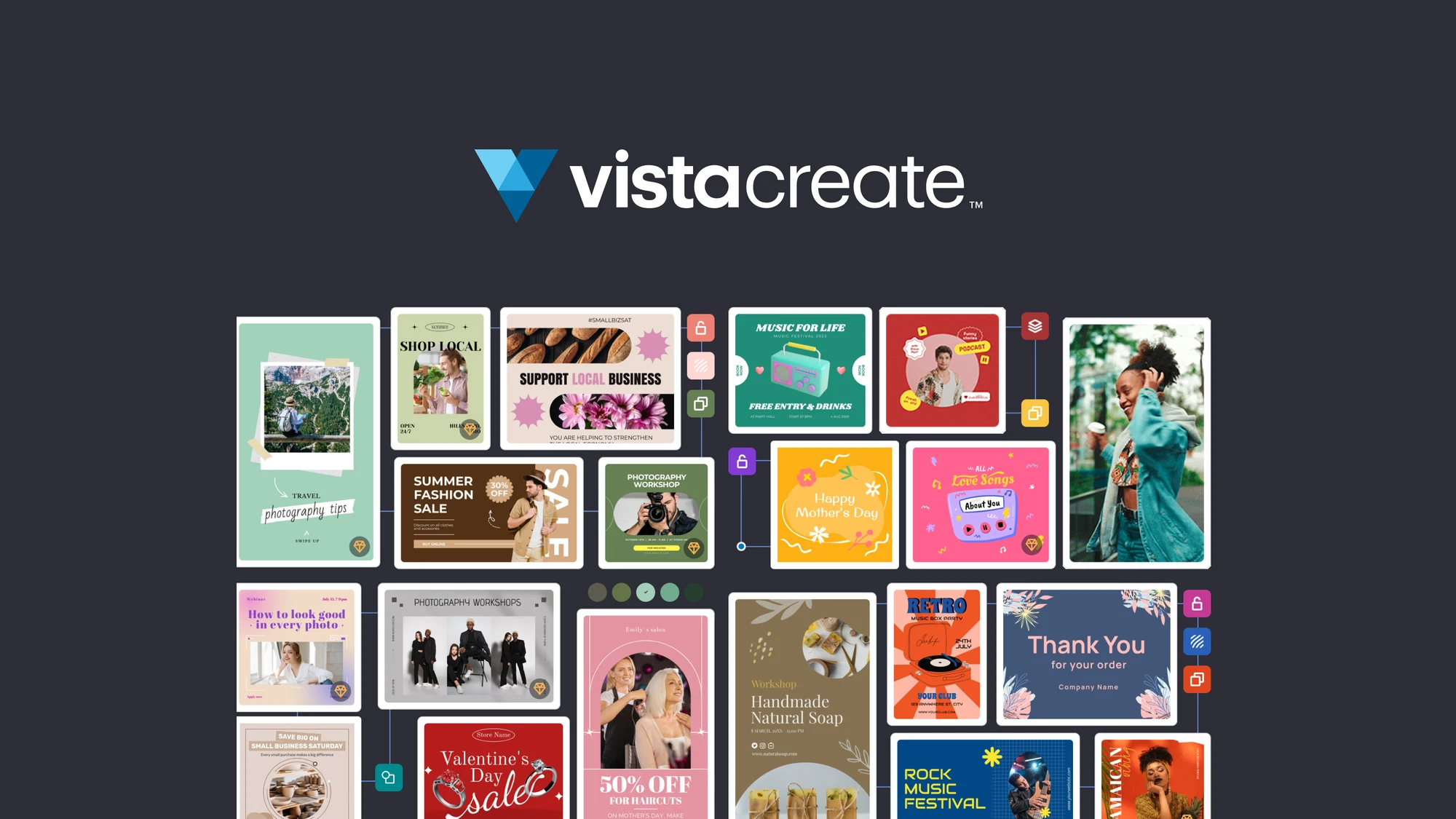
The template library gave me plenty of acceptable starting points, but I avoided switching templates between formats. That creates five loosely related posts instead of one campaign. I duplicated the visual logic: same type relationship, same image treatment, same accent shape. VistaCreate handled that repetition quickly.
Static formats
Square, banner and Pinterest versions were easy. The editor’s presets and large asset library kept the process moving, and exports did not require a separate desktop app.
Motion formats
Simple element animation made the Story and Reel cover feel native rather than like static posters. It is motion design for marketers, not a timeline editor—and that distinction matters.
For footage, captions and real timeline editing, I would leave VistaCreate and use a dedicated editor. My VEED vs Descript comparison explains the difference between a browser video editor and a transcript-led one. VistaCreate belongs before or after that process, creating visual packaging.
What I liked more than expected
The free tier is not merely a demo
Starter includes thousands of templates, a substantial asset library, brand tools, storage and unlimited downloads. Premium assets and certain workflow features remain paid, but a solo creator can learn the product through real exports.
Animation is approachable
Motion presets are easy to overuse, yet they solve a real problem: a static campaign often needs one moving variation. I could animate a headline or visual element without opening a video editor. For a more ambitious prompt-to-video workflow, see the InVideo AI review; VistaCreate’s motion tools are intentionally simpler.
It encourages campaign thinking
Once I stopped treating every template as a separate idea, VistaCreate became a useful system. It fits well with the distribution plan in my 20-minute video repurposing workflow: build the written and video assets first, then package them into platform-specific visuals.
Where the comparison with Canva breaks down
VistaCreate Pro is commonly listed at $13 monthly or $120 annually, with a 14-day trial. Its team value can be excellent, but “cheaper than Canva” is not enough reason to migrate. Canva offers a broader ecosystem and more adjacent workflows. VistaCreate feels more focused around marketing visuals, templates, assets and quick motion.
I also would not use it for long reports and data-heavy presentations. Those jobs need chart handling, narrative hierarchy and often interactive delivery. Start with our Piktochart vs Visme comparison instead. If the brief spans logo, mockup, video and website, the broader suite covered in my Renderforest review is a more relevant comparison.
Who I would recommend it to
Use VistaCreate if you are a solo marketer, creator or small team producing a steady stream of promotional visuals; you value good templates and stock assets; and you need enough motion to make social posts feel current.
Skip it if your work depends on advanced photo compositing, complex brand governance, sophisticated video timelines or interactive data. Browse the wider Design & Branding directory before assuming every visual job belongs in one editor.
My final verdict
VistaCreate got five campaign assets out of one idea with surprisingly little friction. The best output was not the flashiest one; it was the set that looked consistent when viewed together. That is why I would keep it in a social-content workflow.
I would not call it universally better than Canva. I would call it calmer, cheaper for some teams and particularly good at template-led static-plus-motion campaigns. Pair it with a clipping tool from our beginner AI clip generator guide, and it can cover the visual layer of a lean creator stack remarkably well.
Frequently asked questions
Is VistaCreate free?
Yes. Starter is a functional free plan with templates, assets, storage and exports. Pro unlocks the full premium workflow.
Is VistaCreate better than Canva?
It can be better for budget-conscious social teams and simple animation. Canva remains broader in apps, formats and ecosystem depth.
Can VistaCreate edit videos?
It handles lightweight animation and short visual content, but it is not a substitute for a full timeline-based video editor.
Pricing and product details last fact-checked August 26, 2026.