
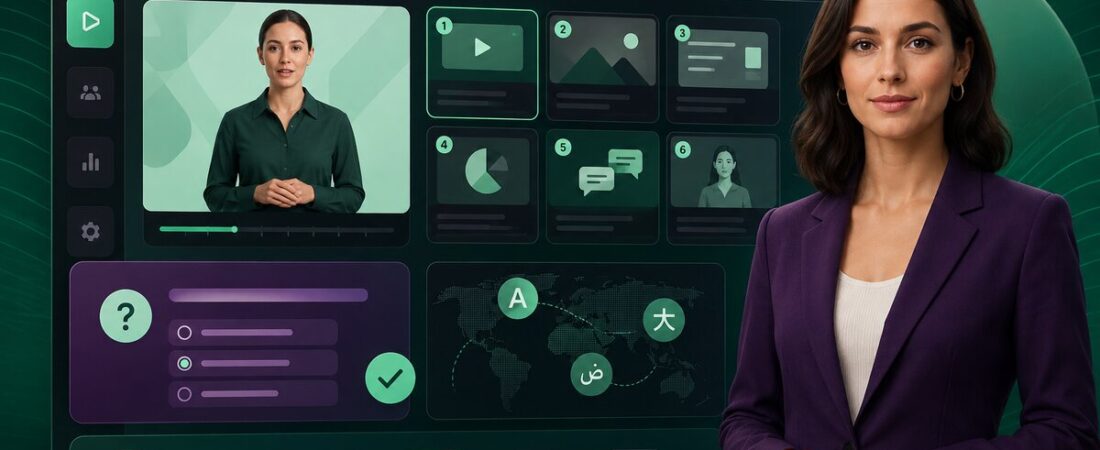
The wrong way to evaluate Colossyan is to ask whether its avatars can fool someone into thinking they are human. The useful question is whether a learning team can turn a policy document into a trackable, localized course without booking a presenter, a studio and another round of LMS development.
On that job, Colossyan is one of the most coherent AI video tools I have used. It combines avatar video, document-to-video conversion, quizzes, branching, translation and SCORM delivery. That makes it more interesting for workplace learning than for a creator chasing cinematic YouTube footage.
A practical test: turning a policy PDF into training
I imagined a 12-page information-security update with three audiences and six languages. The content is dry, the deadline is short, and every change must survive a review. That is exactly where conventional video production becomes disproportionately expensive.
What Colossyan compresses
- First-draft script and scene structure
- Presenter footage
- Voiceover and captions
- Translation and localized narration
- Basic quizzes and branching
- SCORM packaging for an LMS
What it does not remove
- Subject-matter review
- Instructional design judgment
- Accessibility checks
- Brand and legal approval
- Testing the SCORM package in your LMS
- Deciding what learners actually need
The distinction is important. Colossyan makes production faster; it does not make a bad course good. I would use the document import to create a first pass, then cut aggressively. A policy document often contains reference detail that belongs beside the course, not inside every scene.
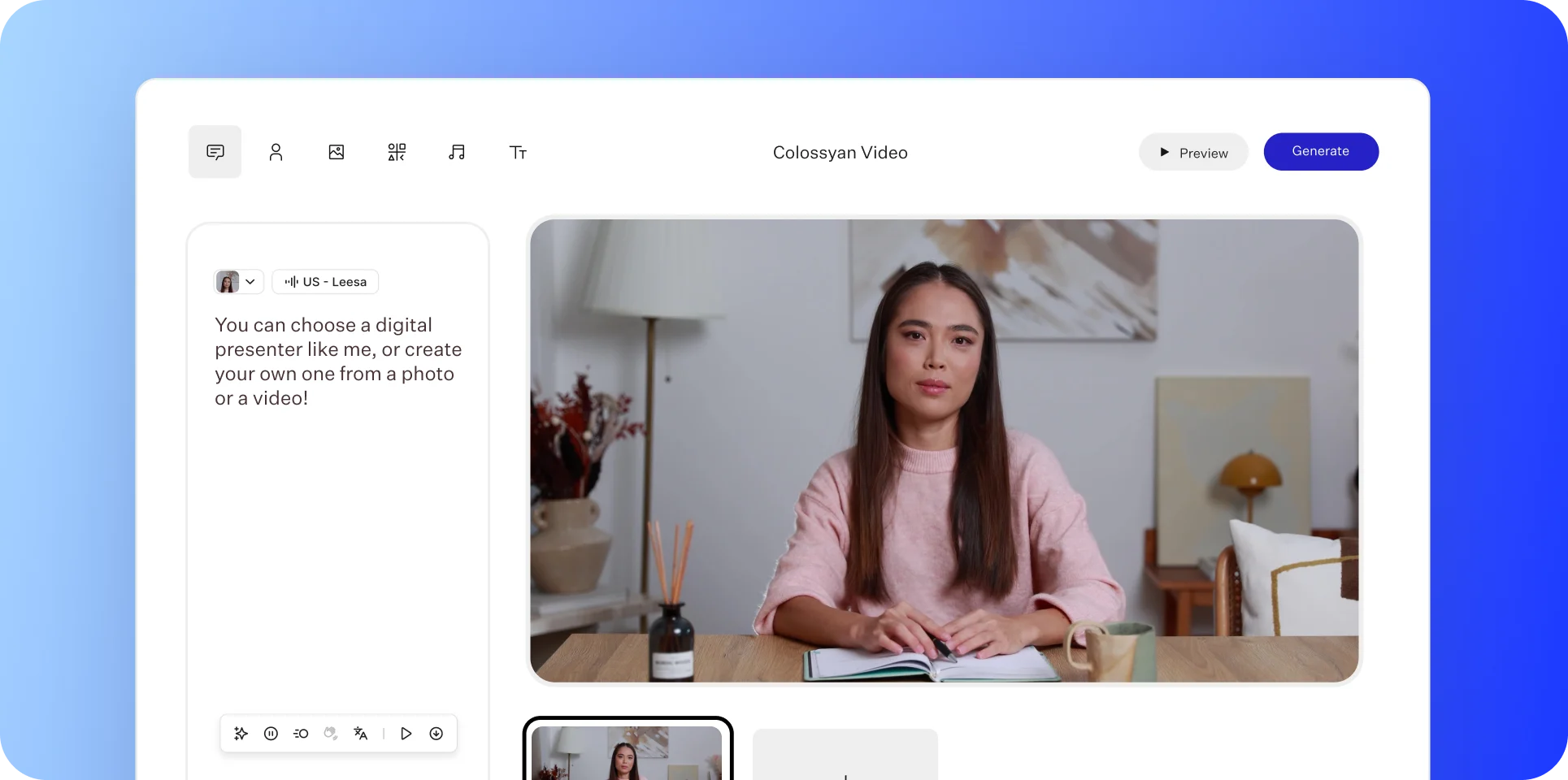
The editor feels like video software and an authoring tool met halfway
Scenes, scripts, layouts and presenters are familiar to anyone who has used a slide-based video builder. The learning features change the rhythm. A scene can lead to a knowledge check, a branch or a course page instead of simply the next clip. Colossyan Learn supports course creation, while Professional includes limited monthly SCORM exports and Enterprise removes those limits.
That is why I would compare Colossyan with both avatar generators and e-learning authoring tools. A marketing team that needs a charismatic spokesperson should also read our HeyGen review. A team that wants footage assembled from a prompt will learn more from the InVideo AI review. Colossyan is built around a different finish line: an updateable learning asset.
NEO and NEO2 make the pricing more complicated than it looks
The free Starter plan is genuinely useful for evaluation: no card is required, and the current allowance includes 20 NEO minutes each month, the full library of 300-plus avatars, cloned voices, more than 120 languages and interactive course creation. The catch is output quality and packaging: watermark removal and recurring SCORM exports begin on Professional.
Professional is $59 per month on annual billing. It includes 30 NEO minutes and 10 NEO2 minutes per month, up to three editors, five video SCORM exports and five course SCORM exports each month, 1080p MP4 export and watermark removal. Extra editors are $30 per month on the annual plan.
NEO
The everyday engine with the larger allowance. I would use it for most internal explainers and reserve budget for volume.
NEO2
The newer, more expensive engine. Professional provides one NEO2 minute for every three NEO minutes, so using it by default burns capacity roughly three times faster.
| Plan | What I would use it for | The deciding limit |
|---|---|---|
| Starter — $0 | A real proof of concept and internal stakeholder test | Watermark and only 0.5 NEO2 minute |
| Professional — $59/mo annually | A small L&D team shipping repeat courses | 30 NEO / 10 NEO2 minutes and five SCORM exports of each type |
| Enterprise — custom | Governed global programs | Contract scope, seats, security and NEO2 allowance |
The avatar question: good enough is context-dependent
Colossyan offers more than 300 stock avatars, instant custom avatars on active plans and a studio-recorded custom avatar add-on listed at $1,000 per year. The newer presenters are convincing enough for structured workplace material, particularly when the viewer expects a guided lesson rather than an emotional performance.
I still notice the familiar limitations: facial emphasis can lag behind a nuanced sentence, hand movement may feel generic, and a long uninterrupted talking head becomes tiring. The best Colossyan videos do not ask the avatar to carry every second. They use a presenter to orient the learner, then switch to diagrams, screen captures, callouts and interactions.
For that reason, I would not choose between platforms on the prettiest demo. Our HeyGen vs InVideo AI comparison explains the larger choice between presenter-led and footage-led video. Colossyan adds a third branch: learning-led video.
Localization is where the business case becomes serious
Colossyan supports more than 120 languages and over 700 stock voices. Translating scenes and narration inside the same project is dramatically easier than rebuilding six timelines. But translation speed should not be confused with translation approval. Product names, regulated wording and cultural examples still need a fluent reviewer.
I would create one approved master, lock the visual grammar, translate, then assign one reviewer per language. This is the sort of repeatable content system described in our guide to turning one video into multiple content assets, although here the outputs are localized courses rather than social posts.
The limitations I would put in the purchase memo
Who should buy it?
Buy Colossyan if your team repeatedly updates onboarding, compliance, product enablement or multilingual training—and wants video, interactions and LMS delivery in one workspace. Stay on Starter until you have exported one real course and watched five people complete it.
Choose another tool if the goal is creator-led YouTube content, cinematic b-roll, live remote recording or detailed timeline editing. For the latter, the VEED vs Descript comparison is a more relevant starting point. Our VEED review goes deeper on browser-based editing, while the Descript review covers transcript-first production.
My final take
Colossyan is not the most dramatic AI video demo. That is part of why I like it. It has a clear opinion about the work after generation: review, interaction, localization, export and update. For a learning team, that operational spine is more valuable than another avatar that looks five percent more human.
Frequently asked questions
Is Colossyan free?
Yes. Starter is a permanent $0 plan with no card required. It includes NEO minutes, avatars, languages and course creation, but exported video remains watermarked.
How much does Colossyan cost?
Professional is currently $59 per month on annual billing. Enterprise is custom-priced. A studio-recorded custom avatar is a separate $1,000-per-year add-on.
Can Colossyan export SCORM?
Yes. Professional includes five video and five course SCORM exports per month; Enterprise provides unlimited SCORM exports according to the current pricing page.
Is Colossyan better than HeyGen?
For structured workplace training, quizzes and LMS delivery, Colossyan has the clearer workflow. For polished spokesperson and marketing video, HeyGen is often the stronger fit.
Last fact-checked: August 23, 2026.